
ClickUp vs Monday.com: Best Project Management SaaS for Scaling Startups?
You just closed your seed round, or maybe you finally hit that sweet spot of product-market fit where customer acquisition is compounding weekly. Your team is expanding from a tight-knit crew of five generalists to a specialized squad of twenty. Suddenly, the informal Slack updates and messy Google Sheets that carried you through the early days aren't just inefficient anymore. They are actively dropping balls, burying crucial product specs, and driving your engineers crazy.
Choosing a project management ecosystem at this inflection point feels like a high-stakes decision. Pick the wrong platform, and you will spend the next six months battling team resistance, paying exorbitant monthly subscription fees, and ultimately realizing your core workflows are trapped in a digital straightjacket.
In the scaling startup arena, two heavyweights dominate the conversation: ClickUp and Monday.com. Both promise to centralize your operations, eliminate silos, and serve as the single source of truth for your business. But underneath the shiny marketing pages and extensive feature lists lie two radically different operating philosophies. ClickUp positions itself as the all-in-one 'everything app' designed to replace your entire tech stack. Monday.com builds its reputation on being a highly visual, ultra-intuitive 'Work OS' that adapts to any corporate workflow.
At SaaSBonus, we regularly test these tools in high-pressure growth scenarios. We know you don't care about generic marketing bullet points; you need to know how these systems hold up when your development team is shipping daily updates, your marketing department is spinning up multi-channel campaigns, and your executive team is trying to extract clean progress reports. Let's break down the technical architecture, real-world usability, operational costs, and hidden flaws of ClickUp and Monday.com so you can confidently pick the winner for your scaling startup.
The Architectural DNA: How Each System Thinks
Before digging into custom fields or color palettes, you have to understand how these systems organize data. This structural foundation determines how your team will interact with the platform every morning.
ClickUp's Rigid but Powerful Hierarchy
ClickUp is built from the ground up on a strict, nested organizational structure. Think of it like a set of digital Russian nesting dolls. You have a Workspace at the absolute top, which represents your entire company. Inside that Workspace, you build Spaces, which typically correspond to major departments or core business units (e.g., Engineering, Marketing, Operations).
Within each Space, you can create Folders to group related projects, and inside those Folders are Lists, which hold individual Tasks. If a task gets complicated, you can break it down into Subtasks, and ClickUp even allows for nested Checklist items within those subtasks.
This top-down structure is a double-edged sword for a startup. On one hand, it offers unparalleled data inheritance. You can look at the Workspace level to see every single active item across the entire company, or click into the Engineering Space to view only product-related engineering pipelines. The data flows predictably up and down the chain.
On the other hand, ClickUp's hierarchy forces you to make complex architectural decisions on day one. If you set up your Spaces poorly early on, moving items around later or managing cross-departmental tasks can turn into a bureaucratic headache.
Monday.com's Flat, Flexible Board System

Monday.com takes an entirely different approach. It rejects a rigid vertical hierarchy in favor of a flat, highly flexible, board-centric architecture. Instead of navigating through spaces and folders, everything in Monday revolves around individual Boards.
Inside a Monday board, data is broken down into Groups (horizontal sections), Items (the rows), and Columns (the individual metadata points attached to each row). Sub-items exist, but they feel more like an extension of the row rather than a deeply integrated layer of a massive hierarchy.
This structural simplicity makes Monday.com instantly approachable. A non-technical operations manager can log in and build a fully functional client onboarding tracker or an inventory management pipeline in fifteen minutes. There are no mandatory rules about where a board must live; you can organize them into basic folders for neatness, but the data behaves identically regardless of placement.
However, this flat structure exposes vulnerabilities when your startup scales rapidly. Because Monday treats every board as an independent island, roll-up reporting—aggregating data from thirty different project boards into a single, comprehensive executive dashboard—requires deliberate configuration, advanced plan types, and a solid understanding of how to connect boards via link columns.
User Experience, Adoption, and the Friction Factor
Your project management software is only as good as your team's willingness to keep it updated. If a tool feels sluggish or confusing, your engineers will retreat to GitHub issues, your marketers will keep using private Notion pages, and your centralized operations dream will collapse.
Monday.com: The King of Instant Visual Adoption
If fast onboarding and minimal team friction are your absolute highest priorities, Monday.com holds a distinct advantage. The platform is undeniably beautiful, highly responsive, and deliberately tactile. When you click a status column and change it from 'Working on it' to 'Done', the cell flashes in a satisfying, bright green animation. It sounds trivial, but that micro-dose of dopamine drives consistent user updates.
Monday's interface relies heavily on color-coded visual cues. It is exceptionally easy for a founder or external stakeholder to glance at a board for three seconds and immediately understand the health of a project based entirely on the ratio of green, yellow, and red blocks. The text is crisp, the load times are generally snappy, and the mobile application mirrors the desktop experience without feeling cluttered.
For scaling startups hiring dozens of new employees a month, Monday requires almost zero formal training. You invite a new hire, add them to a board, and they can immediately decipher their tasks and start collaborating.
ClickUp: The Feature-Dense Powerhouse (With a Learning Curve)
ClickUp is an incredibly powerful platform, but it can easily overwhelm new users. Because it aims to be the single application to replace all others, its user interface is packed with buttons, toggles, sidebars, and nested menus.
When a user opens a single task in ClickUp, they are greeted with a massive modal window containing task descriptions, assignees, priorities, custom fields, subtask lists, a real-time activity stream, time tracking modules, attached docs, and relationship links. For a technical product manager, this level of granularity is paradise. For a creative copywriter or a sales representative, it can feel like sitting in the cockpit of a commercial airliner without a pilot's license.
ClickUp has made massive strides in recent years with platform updates aimed at boosting loading speeds and cleaning up interface clutter. However, the sheer volume of options means your startup must establish clear operational guidelines early on. If you do not explicitly teach your team which features to use and which to ignore, your ClickUp environment will quickly devolve into a confusing digital landfill.
Feature Showdown: Task Management and Workflows
When you move past layout and interface, how do these platforms handle the daily realities of moving projects from ideation to completion?
Customization and Views

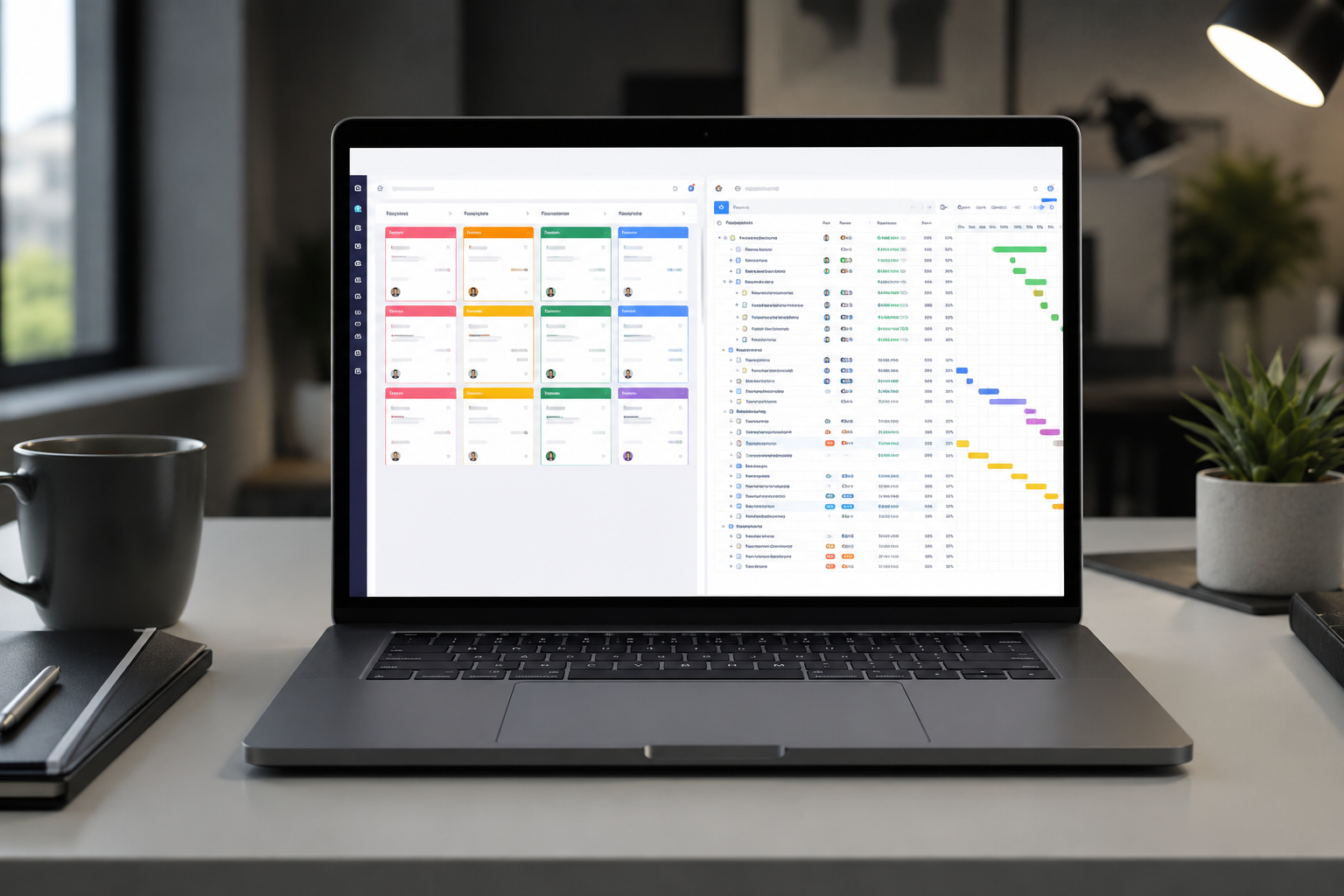
ClickUp shines brightly when it comes to viewing data your way. In ClickUp, any list of tasks can be displayed in virtually any format imaginable with a single click. You can jump between a traditional List view, a Kanban Board, a Gantt Chart, a Calendar, a Box view (for tracking team workload), a Mind Map, or even an embedded Whiteboard where your team can map out ideas visually and turn those shapes directly into actionable tasks.
Crucially, ClickUp allows you to save these customized views at any level of the hierarchy. You can create a master calendar view for the entire marketing space, while individual growth teams keep their specific lists set to a strict Kanban sprint board. The level of granular control over filters, sorting options, and visibility settings is unmatched by almost any tool on the market.
Monday.com also offers multiple views, including Kanban, Gantt (Timeline), Calendar, and Form views. However, these views function as layers on top of the primary table structure. While highly functional, they occasionally feel less flexible than ClickUp's native multi-view engine. For instance, customizing card layouts in Monday's Kanban view is straightforward, but it lacks the deep, field-by-field layout control that ClickUp grants right out of the box.
Automation: The Core of Lean Startup Scaling
A scaling startup thrives on automation. You cannot afford to waste human hours manually assigning tasks, notifying managers, or moving cards down a pipeline.
Monday.com handles automations through a natural language builder that is highly visual and incredibly reliable. It uses a clear 'Trigger > Condition > Action' framework expressed in plain English. For example: 'When Status changes to Approved, move item to Archive Board and notify Project Manager via Slack.'
Monday's automations rarely fail, execute instantly, and are simple enough for anyone to build without needing a background in software development. The downside? Monday caps your monthly automation runs strictly based on your pricing tier. If your team sets up a high-volume board that triggers dozens of automations a day, you can burn through your monthly allotment surprisingly fast, forcing an unexpected upgrade to a more expensive tier.
ClickUp's automation engine is equally powerful and allows for complex, multi-step automated workflows that go deep into the task hierarchy. You can set up conditions that trigger subtasks, apply specific templates based on custom field adjustments, and integrate seamlessly with external tools like GitHub or HubSpot. ClickUp also includes more generous usage limits on automations in its lower tiers compared to Monday, making it a highly attractive option for bootstrapped teams running complex operations.
Industry Matchups: Which Platform Fits Your Startup Model?
Not all startups scale the same way. A venture-backed software company operates on entirely different operational infrastructure than a rapid-growth marketing agency or an e-commerce brand. Let's look at how these tools perform across different startup niches.
For Software Development and Product Teams: The Winner is ClickUp
If your startup is building a digital product, running two-week development sprints, and tracking software bugs, ClickUp is the clear operational choice.
ClickUp features deep, native Agile product management tools. It includes built-in Sprint management features, allowing you to create recurring sprint folders, automatically roll over unfinished tasks to the next sprint, and generate native burn-down and burn-up charts. Its integration with GitHub, GitLab, and Bitbucket allows developers to link commits, branch updates, and pull requests directly to a ClickUp task without ever leaving their terminal or IDE.
Furthermore, ClickUp's native Docs feature functions as a built-in wiki. Your engineering and product teams can write comprehensive product requirement documents (PRDs), API documentation, and technical specs directly inside the platform, linking those documents dynamically to development tasks.
Monday.com can be adapted for software development using its 'Dev' product extension, but at its core, it still behaves like a spreadsheet-based tracker rather than a dedicated agile environment. For pure engineering workflows, Monday often requires additional plugins or complex custom setups to mimic the out-of-the-box software lifecycle tools that ClickUp provides natively.
For Marketing Agencies, Creative Teams, and Sales Operations: The Winner is Monday.com
If your startup is highly visual, client-facing, or hyper-focused on creative production pipelines, Monday.com excels.
Creative teams love Monday because it handles digital assets, review loops, and editorial calendars beautifully. The platform enables you to easily view file attachments, track version histories, and communicate feedback clearly inside item updates. Its clean aesthetics make it the perfect candidate for client presentations; Monday allows you to easily share read-only versions of specific boards with external clients or investors, presenting your progress in a highly polished, professional interface that requires no technical explanation.
Monday is also widely used as a lightweight CRM for early-stage startups. Because its table structure allows you to track deals, log contact information, update pipeline statuses, and calculate financial totals using formula columns, you can easily run your entire sales and marketing operation out of a single platform before graduating to a heavy enterprise system like HubSpot.




