
How to Prevent Content Team Burnout: Choosing the Best Creative Workflow Tools
You know the exact day the creative momentum dies. It is usually a Tuesday afternoon. Your content and design team has been battling a relentless production schedule for three quarters straight. The Slack channels are a frantic blur of 'Quick question on this draft' and 'Who has the latest version of the hero graphic?' A critical whitepaper is currently trapped in a three-week approval bottleneck because a regional VP decided to drop twenty line-item comments directly into a static PDF. Meanwhile, your lead writer is staring blankly at a blinking cursor, utterly exhausted from managing logistics instead of actually writing.
This isn't a talent problem. It's a structural breakdown. When your creative operational foundation is built on broken spreadsheets, ad-hoc messages, and unpredictable approval loops, burnout isn't just a risk—it is a mathematical certainty. Your team spends less than half their day creating, using the rest to hunt down assets, decipher vague feedback, and manually update status trackers.
To save your team's mental health and protect your production quality, you must fix the infrastructure. At Saasbonus, we look at tech stacks through a pragmatic, operational lens. The goal isn't to buy more software just to look modern. The goal is to choose creative workflow tools that eliminate administrative friction so your team can focus on what they do best. Here is how to diagnose the systemic causes of creative fatigue and build a workflow ecosystem that protects your team.
The True Anatomy of Content Team Burnout
Creative burnout rarely stems from the act of creation itself. Writers like to write; designers like to design. The exhaustion happens when the administrative overhead overwhelms the creative output. When a copywriter spends two hours writing a blog post and four hours chasing stakeholders for approval, the balance is broken.
The Fragmentation Tax
Every time a creator has to switch contexts to find a file or read a comment, they pay a cognitive tax. If a graphic designer has to check Asana for the task details, Google Drive for the raw assets, Slack for the latest feedback adjustments, and email for the final client sign-off, their focus is shattered. Studies consistently show it takes up to twenty minutes to regain deep focus after a minor distraction. Multiply that by seven team members across five daily projects, and you are burning dozens of productive hours every week on digital choreography.
The Feedback Void
Vague, contradictory, or delayed feedback is a primary driver of creative fatigue. We have all seen the comment that simply reads, 'Make this pop,' or 'Not feeling this direction.' When feedback lacks clear, actionable context, creators must guess what the stakeholder wants. They build version after version, throwing creative energy into a black hole. By version five, the original strategic vision is completely diluted, and the creator is checked out.
The Illusion of Urgency
When a marketing team operates without a structured workflow, every single request becomes an emergency. The sales team needs a pitch deck by tomorrow morning. Product marketing needs an updated landing page by noon. Without a centralized intake system to evaluate, prioritize, and schedule these requests, the creative director simply hands the work to whoever looks least underwater. This creates a state of perpetual triage, keeping the team in a constant fight-or-flight mode that destroys long-term mental clarity.
The Anatomy of an Optimal Creative Workflow

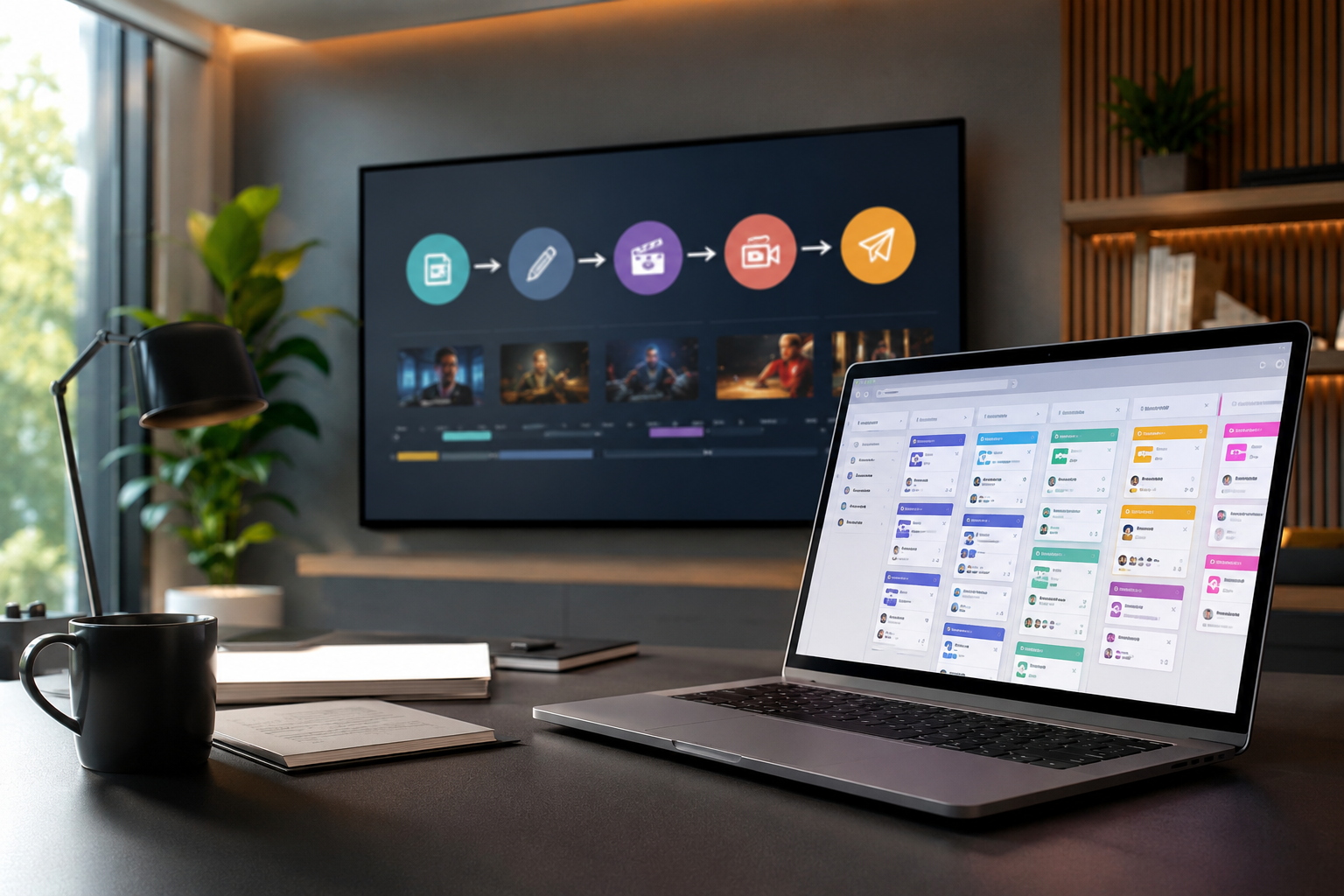
Before browsing software directories or scheduling product demos, you need to understand what an optimized creative lifecycle actually looks like. A healthy creative workflow is divided into five distinct, formalized stages. If any of these stages rely on manual tracking or informal text threads, that is where your operational leak is happening.
1. Centralized Ideation and Intake
Every piece of content must start in the same place. An unmanaged intake process allows stakeholders to request work through personal Slack DMs, hallway conversations, or casual emails. A clean workflow uses structured intake forms that require specific parameters before a project is even considered: target audience, strategic goals, distribution channels, and required assets. If the request doesn't go through the form, it doesn't exist.
2. Strategic Triaging and Resource Allocation
Once a request enters the system, a manager evaluates it against current team capacity and broader business goals. This is where you calculate true resource availability. If your lead designer is already scheduled for thirty hours of deep production work this week, you cannot assign them a twenty-page e-book and expect high-quality results without something else breaking. The workflow tool must make this total capacity visible at a glance.
3. Deep Production Environment
This is the execution phase. For a writer, it is a clean text editor; for a designer, it's Figma or Adobe Creative Cloud. The crucial element here is insulation. The workflow system should protect creators from external noise while they are in production. They need long blocks of uninterrupted time, backed by clear briefs that contain all necessary context, brand guidelines, and reference materials right inside the task.
4. Contextual Review and Approvals
This is where most content projects stall out. A healthy workflow moves reviews out of chaotic comment threads and into structured, contextual proofing spaces. Stakeholders should mark up a specific line of text or a precise pixel on an image. More importantly, the system must enforce a clear hierarchy: Writer reviews, Editor approves, Legal verifies, Brand Director signs off. No skipping lines, and no late-stage interventions from unexpected executives.
5. Structured Asset Distribution and Archiving
Winning the approval sign-off shouldn't trigger an asset scavenger hunt. The final step requires a definitive home for completed files. If team members are constantly asking, 'Where is the final web-optimized PNG for the case study?' your distribution process is broken. The workflow must seamlessly push the asset to a clean, searchable digital asset management system with correct tag metadata.
Key Software Categories to Evaluate
No single tool handles every single operational requirement perfectly. Most high-performing creative organizations build a lean stack using tools from a few foundational categories. Let's break down the landscape so you know exactly what problems each software class solves.
| Software Category | Primary Focus | Best For | What it Eliminates |
|---|---|---|---|
| All-in-One Work Management | Cross-departmental tracking, high-level project roadmaps, custom database structures. | Mid-market to enterprise companies managing multiple complex marketing campaigns simultaneously. | Disconnected spreadsheets and lost project status updates. |
| Dedicated Creative Operations | Contextual proofing, automated internal review chains, native Adobe/Figma integrations. | Fast-moving creative agencies, in-house design studios, and heavy multimedia production teams. | Messy email feedback loops and confusing version control issues. |
| Agile Product Management | Kanban boards, sprint cycles, developer alignment, technical task tracking. | Product-led SaaS companies where content teams work directly alongside engineering and UX. | Siloed communication between marketing and product developers. |
Essential Features for Eliminating Burnout
When evaluating creative workflow platforms, look past the generic features and flashy marketing pitches. Focus on the core functionalities that directly relieve administrative pressure on your creative team.
Contextual Proofing and In-Line Commenting
Never purchase a tool that requires your team to copy and paste feedback from a separate document or chat window. Look for native, visual proofing tools. If you are reviewing a video, the system should let stakeholders pause at the exact millisecond mark and draw a box around the element that needs adjustment. For text, it should allow clear track-changes functionality with distinct permissions for suggesting versus finalizing edits.

Automated Status and Approval Triggers
Your creators shouldn't have to act as project managers. When a writer finishes a draft and changes the task status to 'Ready for Edit,' the system should automatically clear it from their dashboard, assign it to the editor, send a notification, and set the new sub-deadline. This keeps work moving cleanly through the pipeline without requiring endless manual check-ins.
Workload Balancing and Capacity Planning Visuals
A good tool protects your team from over-allocation by making hidden work visible. Look for capacity planning features that assign a numeric value—whether points, hours, or task weight—to assignments. If a manager tries to drop an extra blog post onto a writer whose calendar is already maxed out for the week, the interface should flag the conflict in bright red.
Dynamic Dependency Mapping
Content production is a chain reaction. If the strategic brief is delayed by three days, the outline is pushed back, which delays the first draft, which pushes back the design phase. A workflow tool with dynamic dependencies automatically adjusts the downstream deadlines the moment an upstream task slips. This completely eliminates the frantic morning scramble to recalculate dates across a dozen individual calendars.
Step-by-Step Selection Framework
Choosing the wrong tool will actually increase your team's administrative burden, compounding the exact burnout you are trying to prevent. Follow this pragmatic selection framework to ensure long-term platform adoption.
Step 1: Document Your Current Reality
Do not look at software vendors until you map out your current production path on a whiteboard. Write down every single action required to take a piece of content from a raw idea to a published asset. Note where things regularly stall out, where communication breaks down, and exactly how many distinct apps your team opens daily. This process will show you whether your primary issue is an unmanaged intake process, an unclear approval chain, or bad asset storage.
Step 2: Form an Evaluation Committee
Do not let executive leadership select a tool in isolation based on a flashy sales presentation. Build a small team that includes a project manager, a primary content creator, and an editor. They are the ones who will live inside this tool every single day. Their day-to-day user experience matters infinitely more than an executive dashboard feature.
Step 3: Run a Controlled Pilot Project
Narrow your options down to two choices, then test them using a real, upcoming project. Gather a small group to run the entire production cycle through the trial platform. Pay close attention to real-world usage: Is the interface intuitive? Does it slow down production? Do team members naturally use the tool, or do they immediately slide back into Slack to discuss project details?
Step 4: Prioritize Platform Integration
Your new workflow tool must integrate cleanly with your existing ecosystem. If your writers work in Google Docs, your designers live in Figma, and your strategists manage campaigns in HubSpot, the new platform needs to connect those dots via native integrations or robust APIs. Forcing team members to manually copy data across disconnected tools defeats the entire purpose of automating the workflow.
The Human Element: Software Can't Fix Bad Culture
It is vital to remember that tools only enforce the processes you design. If your marketing leadership regularly bypasses the system to demand last-minute adjustments, or if stakeholders refuse to use the official proofing tools, even the most expensive software will fail to stop burnout.
True operational health requires setting firm boundaries around the creative process. Give your team permission to reject requests that do not come through the correct intake channels. Establish clear service-level agreements for internal turnarounds, giving stakeholders a firm deadline to submit feedback before a project automatically moves forward to the next stage. Use your new platform to make these production boundaries visible, transparent, and non-negotiable.
When you combine a clean, automated workflow platform with clear cultural guardrails, you create an environment where creators can actually focus on their craft. You will see fewer missed deadlines, shorter review cycles, and a dramatic drop in team exhaustion. Best of all, you will finally eliminate those chaotic Tuesday afternoons spent hunting for files, giving your creative team the space they need to build their best work.




