
The Slack Overload Cure: How Communication Software Can Streamline Sidebar Chaos
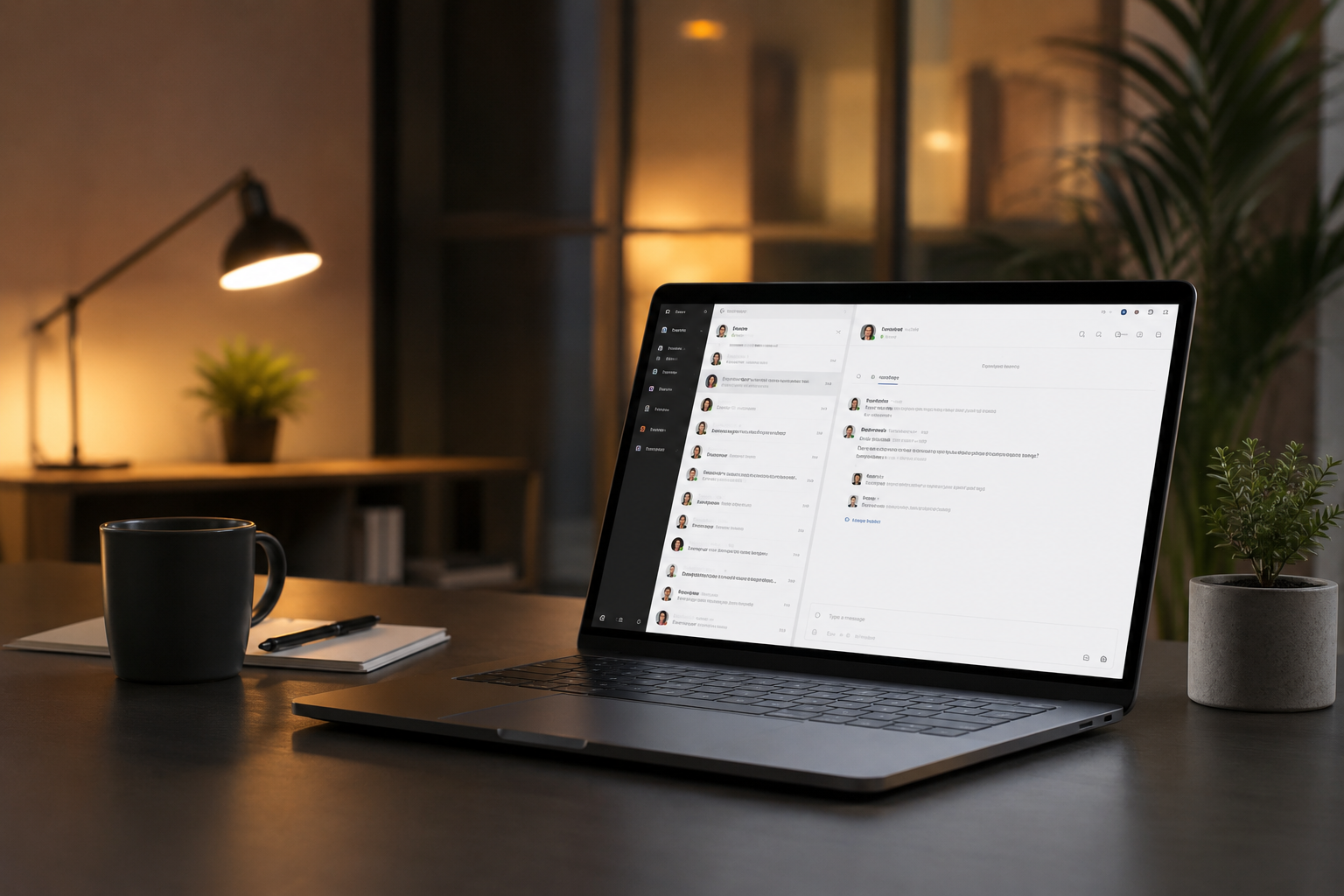
It is 9:02 AM on a Tuesday. You open your laptop, take a sip of lukewarm coffee, and prepare to spend the next hour wading through a sea of glowing red dots. Your Slack sidebar looks less like a productivity tool and more like a neon software catalog out of control. There are thirty-two unread direct messages, fourteen bolded channel names, and a handful of direct @mentions demanding your immediate, undivided attention.
Before you can even type 'good morning' in your team channel, the head of growth pings you about an enterprise password issue, a project manager tags you in a thread from three days ago, and someone from design drops a Google Drive link without any context. Your heart rate spikes before your caffeine even hits. Welcome to the modern digital workplace, where we do not actually work anymore—we just manage our notifications.
We were promised that internal communication platforms would destroy the tyranny of the internal email inbox. Instead, we just traded a slow, orderly wave of messages for a raging firehose of real-time anxiety. At Saasbonus, we spend our days evaluating the tools that run modern businesses, and we see this exact breaking point constantly. The tool meant to bring teams together has become the single biggest productivity killer in the modern tech stack.
But you do not have to delete your workspace or retreat to a desert island to find peace. The Slack overload cure is not about abandoning digital communication; it is about fundamentally reshaping how your team uses software to talk, collaborate, and actually get things done.
The Real Cost of the Red Dot Epidemic
When we talk about notification fatigue, it is easy to dismiss it as a minor annoyance. A couple of pings here, a quick reply there. What is the big deal?
Context switching is the big deal. Research consistently shows that it takes an average of 23 minutes and 20 seconds to return to a deep task after a single interruption. If you are checking a channel notification every ten minutes, you are effectively operating at a fraction of your cognitive capacity. You are never actually entering a state of deep focus. You are living in a permanent state of reactionary triage.
Consider what happens across a standard 50-person company. When every employee feels compelled to reply to every message within five minutes, deep work dies. Senior engineers stop coding to answer questions that could have waited until Friday. Product managers spend their entire afternoon drafting status updates in public channels instead of building features. The sidebar ceases to be a list of ongoing projects and becomes a rolling log of collective anxiety.
This continuous partial attention creates a culture of fake work. We confuse typing speed with productivity and immediate responsiveness with high performance. The reality? True business growth requires sustained focus, not just rapid-fire typing skills.
Anatomy of a Broken Sidebar
To cure the sickness, we have to diagnose the symptoms. Look at your current workspace layout right now. If it looks like most mid-market or enterprise setups, it suffers from three distinct architectural failures:
The Tragedy of the Commons (Too Many Channels)
It starts innocently. You create a channel for a specific project. Then a channel for a specific client. Then a channel for a specific sub-issue within that client's account. Within six months, you have #marketing, #marketing-growth, #marketing-growth-paid, and #marketing-growth-paid-testing. Half of these channels contain three people who could have just shared a single thread. The rest are ghost towns where the last message was a stray automated calendar invite from a year ago.
The Direct Message Crutch
When public channels become too loud, people retreat to private direct messages (DMs). This is where institutional knowledge goes to die. If a decision about a product feature or a budget allocation happens in a three-way DM between a director, a manager, and a specialist, nobody else in the company knows it happened. Two weeks later, another team wastes twenty hours working on an assumption that was already disproven in that private chat.
The Ping-Pong Feedback Loop
This is the classic 'Hey' message followed by absolute silence. Or the long, winding paragraph that should have been a brief document. Because the tool operates in real time, we treat it like a casual spoken conversation, but without the benefit of tone or body language. The result is an endless loop of clarifying questions, misinterpretations, and unnecessary follow-ups that drag on for hours.
Structural Cures You Can Implement Today
Fixing this chaos requires a mix of platform settings and behavioral shifts. You cannot just tell your team to 'use the app less' and expect results. You need to redesign the digital environment to favor focus over distraction.
1. Ruthlessly Organize with Custom Sections
Stop letting the software dictate your information hierarchy alphabetically. If you are using the default setup, your most critical project channel is sitting right next to the #random-pets channel just because of the letter P.
Create explicit, custom sidebar sections based on your daily priority. Group your channels into categories like:
- Current Focus: The 2-3 channels where active, high-priority projects live this week.
- My Team: Your direct reports or immediate departmental channels.
- Monitoring: Channels you need to check once a day for context but do not actively participate in.
- Social: The watercooler spaces that you can completely collapse when you need to get real work done.
2. Enforce the 24-Hour Channel Expiry Rule
Projects end, but channels live forever unless you kill them. Implement a strict naming convention for temporary initiatives, such as #temp-q3-launch. The moment the launch is over, archive the channel. Archiving does not delete the data—it just removes the visual clutter from everyone's sidebar. If someone needs to reference a past conversation, they can find it via search.
3. Move the Heavy Lifting to Asynchronous Documentation
If a conversation requires more than four sentences or involves more than three distinct steps, it does not belong in a chat window. It belongs in a collaborative document, a project management board, or a structured wiki.
Use your chat app strictly as a pointer device. Instead of writing out a massive status update in text, drop a link to your project tracking tool with a brief note: 'Project updates are finalized here. Please add feedback directly to the tasks by end of day.' This keeps the sidebar clear and ensures your valuable business documentation remains centralized and searchable.

Evaluating Alternative Communication Software
For some organizations, the structural design of standard real-time chat is fundamentally incompatible with their workflow. If your team has tried every setting adjustment and still finds themselves drowning, it might be time to look at alternative team communication software designed with built-in boundaries.
Let's look at how the primary models stack up for mid-market businesses looking to reclaim their time:
| Platform Category | Core Philosophy | Best Suited For | The Major Drawback |
|---|---|---|---|
| Real-Time Chat (Slack, Teams) | Instant, continuous stream of consciousness. | Urgent triage, highly synchronous environments, fast-moving support teams. | High notification fatigue, fragmented knowledge sharing. |
| Thread-First Platforms (Twist, Threads) | Asynchronous by design. Conversations are structured like forum posts. | Remote-first teams, deep-work focused operations, engineering groups. | Slower response times for genuine emergencies. |
| All-in-One Hubs (Basecamp, ClickUp) | Communication integrated directly alongside tasks and files. | Project-driven organizations, client services, agencies. | Less casual social interaction, steeper learning curves for new hires. |
Switching tools is a major operational lift, but if your culture is suffering from terminal notification burnout, moving to a thread-first internal communication platform can instantly alter how your team views communication. When conversations are grouped into distinct, slow-moving topics rather than a single running chat stream, the pressure for instant responses evaporates.
Building an Interruption Blueprint for Your Team
Software configuration is only half the battle; the rest is cultural. If a manager sends a message at 8:00 PM and expects a reply by 8:15 PM, no amount of sidebar organization will save your company culture. Your organization needs an explicit, shared agreement on how you talk to each other.
Define Response SLAs
Establish clear, company-wide service level agreements (SLAs) for different communication channels. For example:
- Direct Messages: Expect a reply within 2 to 4 hours. No immediate rush.
- Public Channels: Expect a reply within 24 hours. These are for non-urgent tracking.
- True Emergencies: Use an explicit breakthrough method, like a direct phone call or an SMS text alert.
When employees know that nobody expects them to answer a standard ping within ninety seconds, they will finally stop keeping the app open on a secondary monitor all day long.
Standardize the 'Do Not Disturb' Status
Normalize the use of status updates. Encourage your team to set their status to 'Deep Work - Closing App Until 1:00 PM' or 'Reviewing Copy - Pings Off'. Make it culturally unacceptable to penalize someone for protecting their focus time. Lead by example: leadership teams should be the first ones to turn on Do Not Disturb mode during major strategic planning sessions.
Kill the 'Quick Call' Ambush
We have all experienced it: a sudden huddle invite or an unexpected audio call out of nowhere. Unless the digital building is burning down, always ask via text before starting an impromptu call. A simple 'Hey, do you have five minutes to talk through the pricing page structure at 2:00 PM?' gives the other person the chance to wrap up their current thought process and prepare for the conversation.
Moving Forward Without the Chaos
Your sidebar does not have to look like a chaotic software directory, and your workday does not have to be defined by a series of frantic notifications. By taking control of your platform settings, enforcing clean boundaries, and matching the right communication software to your actual operational needs, you can transform your team chat from a source of dread back into a high-powered business tool.
Take fifteen minutes before you log off today. Archive five dead channels. Create two custom sections. Put yourself on Do Not Disturb for the last hour of the afternoon. Your focus—and your sanity—will thank you tomorrow morning.




