
10 Best AI Video Generators for Marketing in 2026
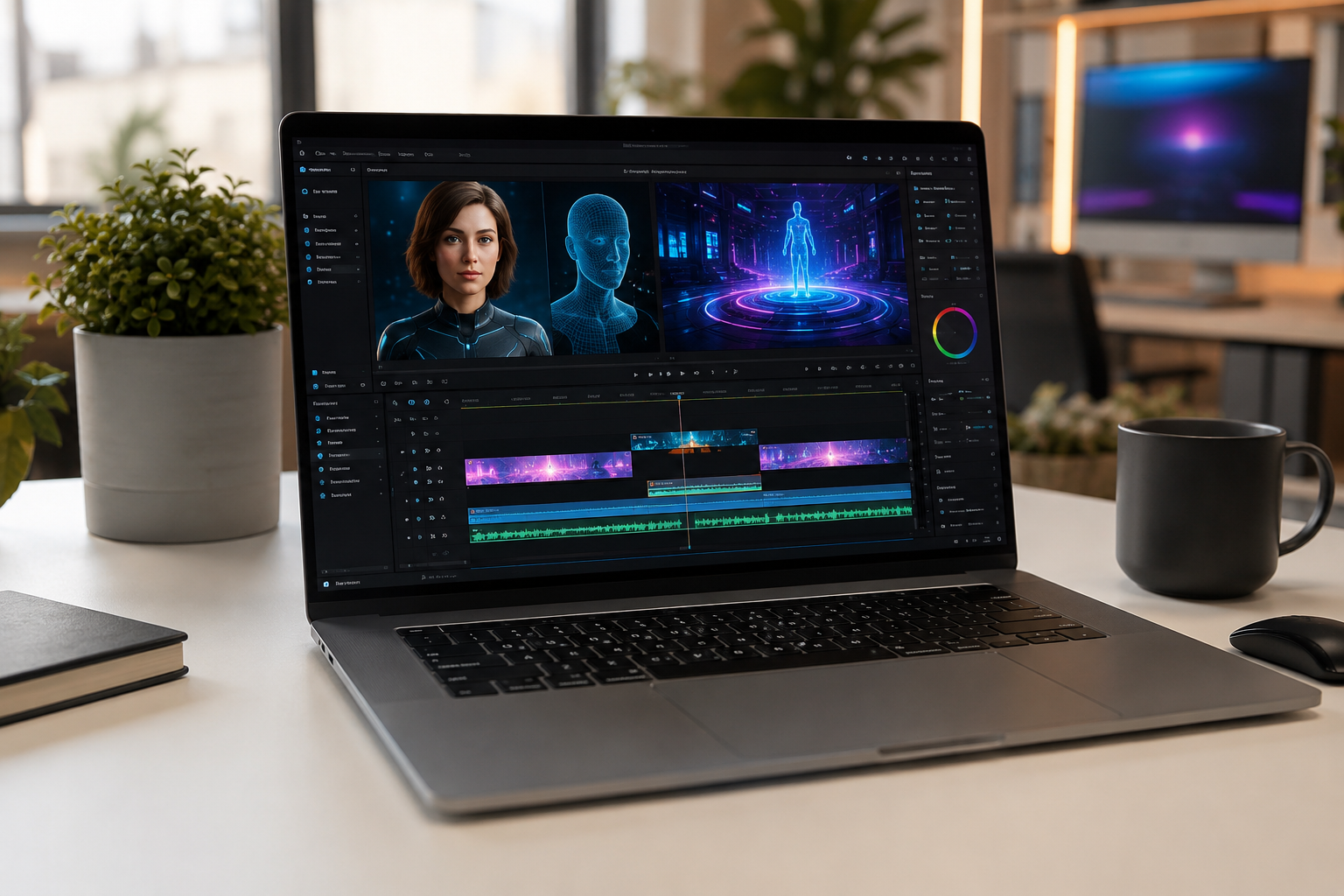
Marketers adopting generative video tools cut visual content creation costs significantly while quadrupling publication frequency. Creating high-converting video ads, short-form clips, or product walk-throughs no longer requires a five-figure production budget or a dedicated studio crew.
Whether you need photorealistic digital spokespeople, prompt-to-video ad concepts, or automated clip extraction from webinars, modern platforms unite scriptwriting, speech synthesis, and video rendering into a single streamlined workflow.
Here is our definitive breakdown of the 10 best AI video generators for marketing teams, categorized by core capability so you can choose the ideal software stack immediately.
Quick Verdict: Best AI Video Generators at a Glance
If you want a direct recommendation before reviewing the deep-dive breakdowns, this snapshot highlights the category leaders:
| Platform | Best For | Standout Advantage | Starting Price |
|---|---|---|---|
| HeyGen | Overall Marketing & UGC Ads | Realistic avatar lip-sync & multi-language localization | Free ($24/mo Creator) |
| Synthesia | Corporate & Product Demos | Strong enterprise security & polished presenter library | $18/mo Starter |
| InVideo AI | YouTube & Prompt-to-Video | Generates full scripted videos with B-roll from one prompt | Free ($17/mo Plus) |
| Runway (Gen-4/4.5) | Cinematic Ads & Visual Effects | Granular camera movement and custom motion brushes | Free credits ($15/mo Standard) |
| Google Veo 3 | Photorealism & Integrated Audio | Native 4K visual fidelity with matched dialogue & ambience | Free tier via Google Cloud |
| OpusClip | Social Repurposing & Shorts | Extracts compelling short clips from webinars and podcasts | Free tier ($15/mo Starter) |
| Pictory | Article Conversion | Automatically converts written articles into captioned videos | $19/mo Starter |
| Kling AI 3.0 | Motion Realism & Physics | Smooth high-motion generation without visual tearing | Free daily credits ($10/mo) |
| VEED.IO | Quick Social Edits | Browser-based suite with one-click subtitles and branding | Free ($12/mo Lite) |
| Descript | Script-Based Editing | Edit video like a text document by modifying transcripts | Free ($16/mo Hobbyist) |
How Modern AI Video Generators Work
Generative video platforms combine text-to-speech engine architecture, neural motion rendering, and natural language understanding into unified output systems.
For growth and brand marketing teams, this shift addresses three major operational bottlenecks:
- Production Scale Without Studio Costs: Test new ad creatives without booking actors, renting camera equipment, or scheduling studio shoots.
- Global Localization: Translate video scripts into more than 140 languages while neural networks adjust presenter mouth movements to match translated words.
- Rapid Creative Testing: Generate multiple variations of an ad hook in minutes—altering the opening line, presenter, and background footage to identify high-performing ads.
The 10 Best AI Video Generators for Marketing Reviewed
1. HeyGen — Best Overall for AI Video Ads and UGC
HeyGen leads the market for teams producing user-generated content (UGC) ad creatives, customer story variations, and localized product videos.
Its Avatar technology achieves precise facial lip-syncing, eliminating the unnatural appearance seen in early synthetic video platforms. By inserting a product URL, the system drafts scripts, selects fitting avatars, compiles supporting footage, and outputs a completed video ready for campaign deployment.
- Key Strengths: Over 1,100 avatars across casual and professional styles, multi-language speech translation with native mouth-movement matching, and quick voice cloning.
- Best For: Direct-to-consumer brands, performance marketers running paid social ads, and SaaS companies creating localized video landing pages.
- Considerations: Advanced avatar generation relies on separate monthly credit allocations.
- Pricing: Free plan available; paid subscriptions start at $24/month.
2. Synthesia — Best for Corporate Explainer Videos & Demos
Synthesia serves as an industry standard for structured corporate training, customer onboarding, and enterprise software walkthroughs.
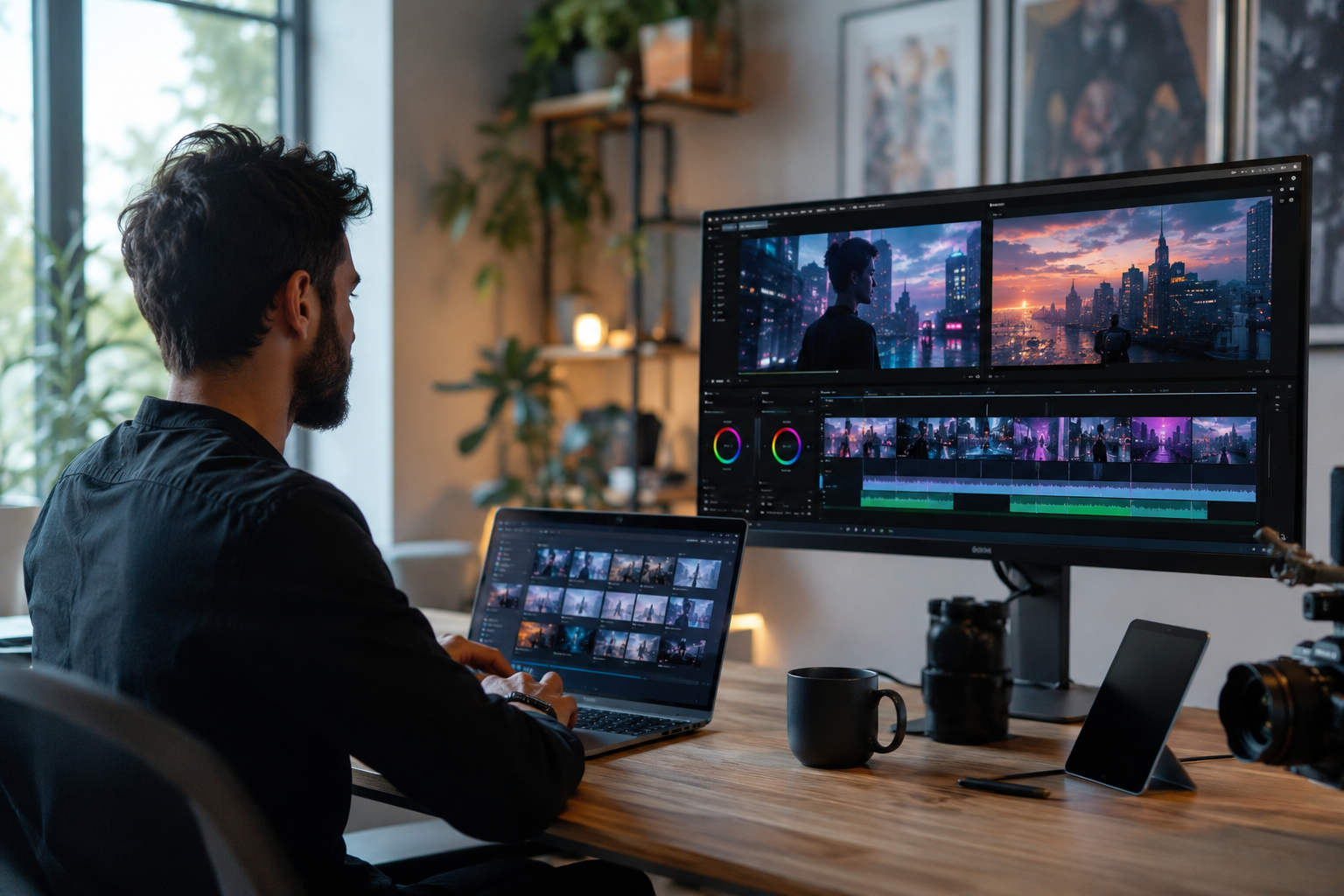
Its slide-based editor operates like standard presentation software. Users add slides, insert script text into speaker notes, select an avatar presenter, and let cloud servers render the finished file. Synthesia also offers built-in image and video creation tools directly within its timeline editor.
- Key Strengths: SOC 2 Type II compliance, over 230 professional avatars, automated script-to-slide formatting, and multi-user workspace management.
- Best For: Enterprise learning teams, SaaS customer success managers, and brand marketers requiring strict visual consistency.
- Considerations: Custom brand avatars and specialized export formats require higher-tier enterprise plans.
- Pricing: Starter plan begins at $18/month.
3. InVideo AI — Best for YouTube & Social Prompt-to-Video
For creators who want to input a written prompt and receive a finished video with narration, captions, background footage, and soundtrack music, InVideo AI offers a fast solution.
Instead of requiring manual scene assembly, InVideo AI builds a script, pulls matching footage from commercial stock libraries, applies text overlays, and syncs voiceover narration. You can refine video drafts by typing plain instructions into its editing chat bar.
- Key Strengths: Conversational prompt editing, automatic script generation, dynamic caption styling, and simple aspect ratio formatting.
- Best For: YouTube publishers, content agencies needing high production output, and internal marketing teams running social channels.
- Considerations: Stock video choices occasionally need manual replacement to match niche topics.
- Pricing: Free tier with watermarks; paid plans start at $17/month.
4. Runway (Gen-4/4.5) — Best for Cinematic Brand Assets & VFX
Runway caters to creative directors and production agencies who demand detailed aesthetic control over camera motion and visual composition.
Through tools like Motion Brush, Runway allows users to highlight specific areas of a stationary image to assign precise movement vectors. You can control camera pan, tilt, zoom, and frame speed to produce stylized teaser trailers, product hero shots, and advertising visuals.
- Key Strengths: Precise camera direction controls, custom model training for unique brand aesthetics, high-resolution rendering, and green-screen background keying.
- Best For: Art directors, visual designers, and creative agencies building high-concept video assets.
- Considerations: Involves a steeper learning curve than basic drag-and-drop avatar tools.
- Pricing: Free trial credits included; Standard plan starts at $15/month.
5. Google Veo 3 — Best for Photorealistic Generation & Integrated Audio
Google Veo 3 sets a high standard for text-to-video generation through accurate physical world modeling, handling complex lighting, reflection, and motion dynamics.
Veo 3 generates synchronized ambient background audio, sound effects, and character dialogue alongside video frames. Its reference tracking feature allows users to upload static product photographs to maintain visual consistency across multiple scene cuts.
- Key Strengths: Native 4K visual generation, built-in ambient audio synthesis, strong subject consistency, and physical accuracy.
- Best For: High-end product showcases, commercial video concepts, and marketing asset creation.
- Considerations: Access is governed by cloud processing usage and detailed prompt structures.
- Pricing: Accessible through Google AI Studio and Google Cloud credit models.
6. OpusClip — Best for Extracting Short Clips from Long-Form Content
OpusClip repurposes existing long-form webinars, panel discussions, and podcasts into short video clips tailored for TikTok, Instagram Reels, and YouTube Shorts.
Its transcript analysis algorithm identifies engaging hooks, re-frames video output to center active speakers automatically, adds animated caption overlays, and assigns an estimated engagement score to each clip.
- Key Strengths: Automatic speaker detection and framing, hook extraction, customizable caption styling, and direct social media scheduling.
- Best For: B2B marketing teams with extensive webinar archives, podcasters, and media publishers.
- Considerations: Output quality relies directly on having engaging conversational audio in the source file.
- Pricing: Free plan available; paid options start at $15/month.
7. Pictory — Best for Transforming Articles into Video Content
Pictory converts written content, such as blog posts, press releases, and guides, into captioned video summary reels.
By inserting an article link or pasting text, Pictory extracts core statements, creates a scene-by-scene script, matches scenes with royalty-free footage, and adds synthetic narration.
- Key Strengths: Article-to-video creation, automated text summarization, speech transcription, and silent-viewer captioning.
- Best For: Content strategists, blog managers expanding reach to video channels, and editorial marketing teams.
- Considerations: Most effective for educational, listicle, or informational formats rather than emotional narrative storytelling.
- Pricing: Starter plan begins at $19/month.
8. Kling AI 3.0 — Best for Motion Realism & Extended Shots
Kling AI 3.0 provides robust visual generation, focusing specifically on continuous, realistic movement without visual distortion.
Where many text-to-video tools show artifacting after a few seconds, Kling maintains object structure during longer continuous camera shots. This makes it ideal for demonstrating physical product interactions, fluid movements, and sweeping camera paths.
- Key Strengths: Stable physical motion rendering, longer single-shot generation, accurate prompt tracking, and smooth camera controls.
- Best For: E-commerce product displays, motion ads, and dynamic social media creatives.
- Considerations: Rendering speeds can slow during peak server traffic periods on basic plans.
- Pricing: Daily free trial credits provided; subscription plans start at $10/month.
9. VEED.IO — Best Browser-Based Suite for Fast Social Edits
VEED.IO offers an intuitive web browser editing suite alongside built-in AI functions like background replacement, voice translation, automatic transcription, and digital avatar generation.
It is designed for social media managers who need to crop, style, brand, and publish video content quickly without using complex desktop software.
- Key Strengths: Automatic subtitle rendering, eye-contact correction tools, background noise suppression, and saved brand kit assets.
- Best For: Social media managers, growth marketers, and small digital agencies.
- Considerations: Processing long 4K resolution timelines depends heavily on internet connection speeds.
- Pricing: Free tier with watermarks; paid plans start at $12/month.
10. Descript — Best Script-Based Editing & Voice Synthesis
Descript simplifies video editing by converting video files into interactive text transcripts. Editing the text transcript automatically cuts the corresponding video footage on the timeline.
Marketers use Descript for features such as audio correction, filler-word removal ('um' and 'uh'), studio audio enhancement, synthetic voice generation for script fixes, and eye-gaze correction.
- Key Strengths: Text-based timeline editing, studio-quality audio processing, synthetic voice generation, and automatic filler-word cleanup.
- Best For: Podcast publishers, product managers recording video tutorials, and content teams speeding up video edits.
- Considerations: Operates primarily as an editing and editing-automation system rather than a pure prompt-to-visual generator.
- Pricing: Free plan available; Hobbyist plan starts at $16/month.
Comparison: Selecting the Right Tool for Your Goals
Choosing an AI video generator depends on your primary marketing objective. The matrix below aligns common campaign goals with recommended tools:
| Marketing Goal | Primary Recommended Tool | Alternative Tool | Selection Factor |
|---|---|---|---|
| Direct-Response Social Ads | HeyGen | VEED.IO | Avatar naturalness and creation speed |
| Product Demos & Training | Synthesia | Descript | Corporate presentation features & security |
| Faceless Channel Content | InVideo AI | Pictory | Speed from prompt script to full stock assembly |
| High-End Commercial Assets | Runway (Gen-4) | Google Veo 3 | Granular camera direction & motion control |
| Webinar & Event Repurposing | OpusClip | Descript | Automated clip extraction & speaker framing |
How to Launch an AI Video Campaign
Follow these six steps to build a structured AI video production workflow:
- Establish the Campaign Goal: Define your primary goal before generating assets. Determine whether you need a 15-second social ad hook, a 60-second product overview, or an educational video.
- Draft a Concise Script: Keep spoken word scripts focused. Target 130 to 150 words per minute of finished video, placing a key hook within the first three seconds.
- Select the Visual Style: Use presenter avatar platforms like HeyGen or Synthesia for human-led communication. Use prompt-to-video tools like InVideo AI or Runway for narrative concepts.
- Generate and Adjust Media: Input your script or prompt, build an initial draft, and adjust pacing. Replace generic background footage with actual product interface recordings or visual brand assets.
- Add Subtitles and Brand Styling: Most mobile viewers watch videos without turning on audio. Add dynamic, readable subtitles and place brand logos clearly within the frame.
- Export and Measure Performance: Export files in appropriate aspect ratios (16:9 for YouTube and websites, 9:16 for TikTok and Instagram Reels). Monitor viewer drop-off metrics to refine future video hooks.
5 Common AI Video Mistakes to Avoid
- Ignoring Audio Clarity: Low-quality audio detracts from clear video output. Use natural voice synthesis with realistic pauses and clear pacing.
- Publishing Unedited Stock Outputs: Relying on default clip selections without adjusting timing leads to generic video content.
- Omitting On-Screen Captions: Skipping subtitles reduces engagement among mobile users browsing social feeds on mute.
- Writing Vague Prompts: Text-to-video generation engines deliver better results with detailed scene descriptions rather than broad statements.
- Using Incorrect Aspect Ratios: Publishing 16:9 widescreen videos to vertical feeds like Instagram Reels or TikTok reduces engagement. Convert videos to 9:16 vertical layouts for mobile platforms.
Simplify Your Marketing Technology Stack with Saasbonus
Using generative video tools allows marketing teams to increase content volume while managing production costs effectively. Choosing software that fits your operational workflow remains key to long-term efficiency.
At Saasbonus, we publish detailed reviews, software comparisons, and pricing analysis to help teams evaluate digital tools confidently.
Whether you are selecting AI video platforms, comparing CRM software, or reviewing productivity applications, explore our guides to make informed software choices for your team.




