
How to Use Midjourney v6 for B2B Ad Campaigns That Convert

Most B2B ad campaigns fail visually because they look like every other corporate ad on LinkedIn: two smiling executives shaking hands in a glass-walled conference room or an overly bright, generic stock photo of a laptop. When your audience of decision-makers sees these visuals, their brains automatically filter them out as advertising noise.
Midjourney v6 changes this dynamic entirely. With upgraded prompt comprehension, precise text rendering, and near-perfect photorealism, Midjourney v6 lets performance marketers and SaaS creative directors produce bespoke, high-converting ad visuals in minutes. Instead of spending thousands of dollars on custom photoshoots or generic stock licenses, you can generate custom imagery tailored directly to your buyer persona's pain points.
In this practical guide, we will break down exactly how to use Midjourney v6 to produce B2B ad creatives that break feed fatigue, maintain brand consistency, and ultimately drive pipeline growth.
Why B2B Marketers Are Switching to Midjourney v6
For years, performance marketers avoided AI image generators for B2B campaigns because early versions suffered from three critical flaws: extra fingers on human hands, unreadable visual noise disguised as text, and a distinct plastic CGI sheen that destroyed credibility among enterprise buyers.
Midjourney v6 solves these issues with several key technical advancements built directly for commercial production:
- Advanced Text Rendering: You can now enclose text in double quotes inside your prompt, allowing Midjourney to generate clean, legible typography directly on product displays, whiteboards, or signage.
- Enhanced Prompt Comprehension: Version 6 understands long, structured prompts with complex spatial relationships (e.g., 'a founder sitting on the left side of a minimalist desk looking right').
- Photorealistic Textures: Skin texture, subtle lighting adjustments, natural fabric folds, and accurate reflections give generated images an authentic editorial feel rather than an artificial render.
- Style and Character References: Using flags like `--sref` (Style Reference) and `--cref` (Character Reference), marketing teams can generate consistent visual assets across an entire multi-touch campaign.
When implemented correctly, Midjourney v6 cuts visual production cycles from weeks to hours while lowering creative acquisition costs by up to 80%.
The Technical Mechanics of Midjourney v6 Prompting for B2B
Prompting Midjourney v6 for B2B ads requires a systematic approach. If you prompt like a fine artist, you get abstract visuals that fail to convey value propositions. To build high-converting ad assets, structure your prompt using a specific six-part framework:
- Subject: The primary focal point (e.g., 'a female cybersecurity analyst in her late 30s').
- Environment: Where the scene takes place (e.g., 'in a dark high-tech security operations center with multiple glowing data monitors').
- Lighting & Color Palette: Sets the tone (e.g., 'cool blue lighting, subtle neon highlights, dark background accents').
- Camera & Shot Type: Controls composition (e.g., 'medium close-up, shot on 85mm lens, f/1.8 aperture, shallow depth of field').
- Style/Mood: Specifies texture and feel (e.g., 'photorealistic, corporate editorial photography, cinematic, ultra-detailed').
- Parameters: Essential Midjourney flags (e.g., `--v 6.0 --ar 1.91:1 --style raw`).
Essential Midjourney v6 Parameters for B2B Ad Formats

To ensure your assets fit various ad placements without awkward cropping, always set aspect ratio parameters at the end of your prompt string:
| Placement Format | Aspect Ratio Flag | Typical Ad Network | Best Used For |
|---|---|---|---|
| Landscape | `--ar 1.91:1` | LinkedIn Single Image, Facebook Feed | Desktop feed ads, sponsored content |
| Square | `--ar 1:1` | Instagram Feed, LinkedIn Carousel | Multi-slide carousels, retargeting ads |
| Portrait | `--ar 4:5` | Mobile Feeds | High-impact mobile placements |
| Vertical | `--ar 9:16` | Instagram Stories, Mobile Ads | Full-screen mobile campaigns |
Using the `--style raw` flag is critical for B2B campaigns. By default, Midjourney applies its own artistic styling, which can make images look overly dramatic or fantastical. Adding `--style raw` forces the model to follow your prompt literally, yielding photorealistic, true-to-life images suited for corporate audiences.
Step-by-Step: Creating 4 Core Types of High-Converting B2B Visuals
Different ad objectives require different visual concepts. Below are four battle-tested visual frameworks for B2B ads, complete with copy-and-paste prompts you can adapt for your campaigns.
1. Product Context Realism (Showing SaaS in Action)
Instead of showing a boring static screenshot of a software dashboard, depict your software being used in a real-world high-stakes environment.
Sample Prompt: A sleek modern workspace featuring a high-end laptop open on a dark oak desk, displaying a crisp analytics dashboard with green trend graphs, soft morning sunlight streaming through floor-to-ceiling windows, minimal setup, shot on 35mm lens, photorealistic corporate photography, modern aesthetic --ar 1.91:1 --style raw --v 6.0
2. Metaphorical Pain-Point Visuals
B2B buyers are driven by risk reduction and efficiency gains. Conceptual visuals that represent frustration or complexity often capture more attention than literal product shots.
Sample Prompt: An intricate tangle of bright glowing fiber-optic cables slowly untangling into straight, parallel clean lines against a dark matte background, representing simplicity and order, sleek tech editorial style, shot on macro lens, soft studio lighting --ar 1.91:1 --style raw --v 6.0
3. Executive Persona / Peer Trust Visuals
People buy from people. Displaying relatable, professional decision-makers builds immediate peer trust in cold traffic campaigns.
Sample Prompt: A confident IT director in a modern server room, candid shot, thoughtful expression looking slightly off-camera, ambient blue LED lighting from server racks in soft background blur, shot on 85mm prime lens, f/2.0, authentic office environment, high resolution editorial --ar 1.91:1 --style raw --v 6.0
4. Text-Integrated Graphic Ads
Midjourney v6 allows you to generate short, punchy headlines directly inside the generated graphic.
Sample Prompt: A clean matte black billboard standing in a futuristic brightly lit office lobby with the words "SCALE FASTER" written on it in bold white clean sans-serif typography, architectural photography style, hyper-realistic, minimal design --ar 1:1 --style raw --v 6.0
Advanced Workflows: Style Consistency & Character Reference
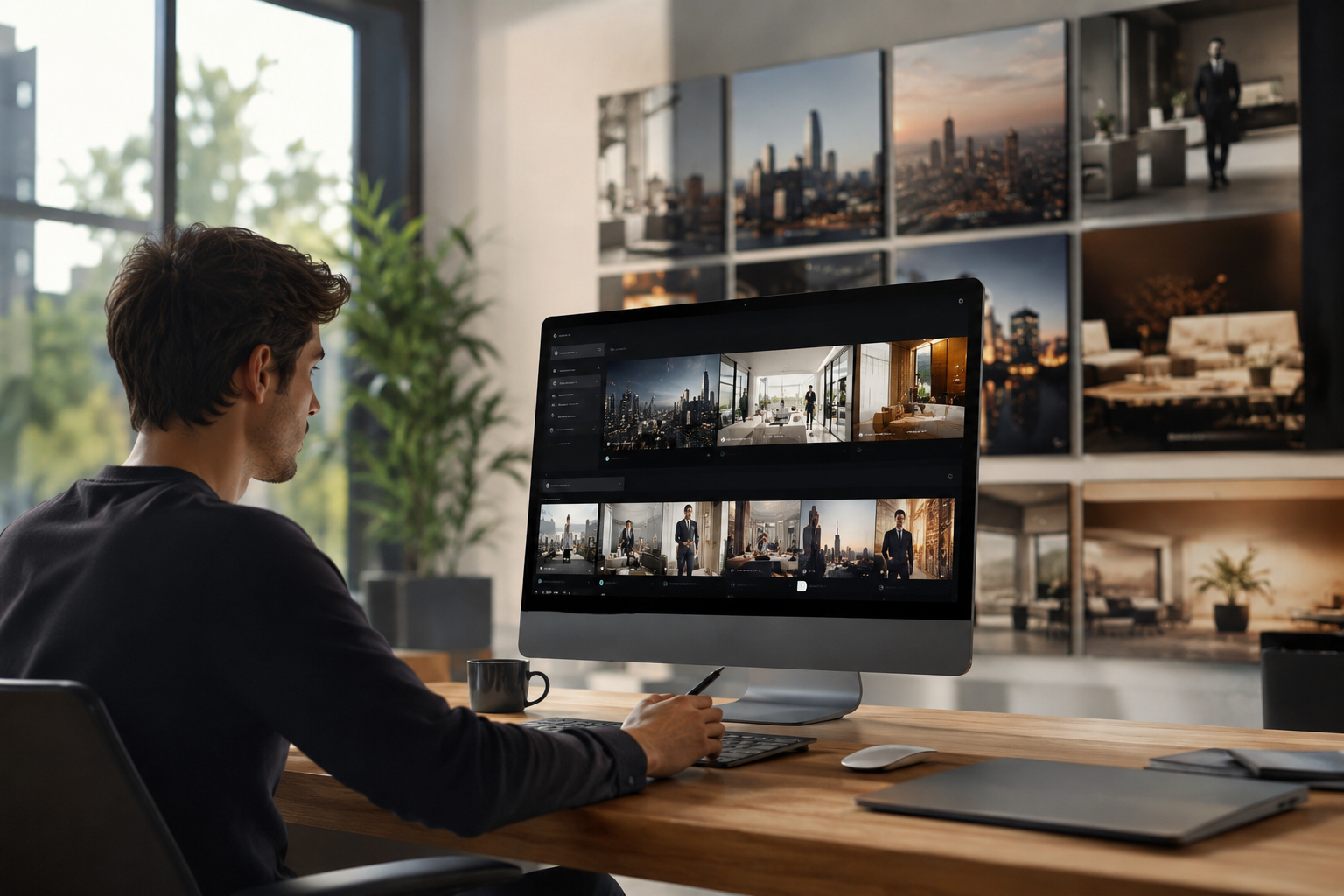
One common challenge with AI generation is maintaining visual cohesion across an entire ad campaign. If your ad set contains five different image styles, your brand perception suffers. Midjourney v6 solves this with advanced reference parameters.
Maintaining Visual Style Across Ads (`--sref`)
If you generate an image with an aesthetic, color scheme, or lighting balance you love, copy its URL and use it as a Style Reference in subsequent prompts.
``` /imagine prompt: [your new subject description] --sref https://your-image-url.com/image.jpg --v 6.0 ```
Midjourney will apply the color palette, lighting style, and artistic tone of the reference image to your new concept while generating completely new subject matter.
Consistent Brand Characters (`--cref`)
If your ad creative relies on a recurring brand ambassador or persona, use the Character Reference flag. This preserves facial features across different environments and angles.
``` /imagine prompt: [character name] in a modern glass conference room presenting to a team --cref https://your-character-image-url.com/headshot.jpg --v 6.0 ```
Common Pitfalls to Avoid in Midjourney B2B Ads
While Midjourney v6 is powerful, certain mistakes can instantly degrade campaign quality:
- Over-polishing Images: Avoid terms like 'hyper-realistic', 'hyper-detailed', or 'photorealistic 8K' repeatedly. These can push Midjourney back into rendering an over-saturated, fake aesthetic. Stick to professional photography terms like 'shot on 50mm f/1.8' or 'editorial studio lighting'.
- Ignoring Hands and Small Details: Always inspect hands, glasses, badges, and small background objects at 100% zoom before launching an ad campaign. Minor anatomical or structural errors signal low effort and damage brand credibility.
- Overcrowding Text: While text rendering in v6 is drastically improved, long phrases still distort. Keep text prompts to 1-3 words maximum (e.g., 'text "AUTOMATE NOW"'). For longer ad copy, add typography using traditional design tools like Figma or Photoshop post-generation.
- Forgetting Platform Compliance: Ensure your generated visuals do not inadvertently copy trademarked logos, recognizable corporate branding, or real people's likenesses without permission.
Combining Midjourney with Your Tech Stack
Midjourney handles visual asset creation, but scalable ad performance requires a broader stack. Once you've generated raw background images or thematic assets, move them through a streamlined visual production pipeline:
- Generation: Use Midjourney v6 for background concepts, textures, metaphors, and persona imagery.
- Upscaling: Run assets through upscalers (such as Topaz Gigapixel AI) if you plan to use images for high-res web banners or print materials.
- Design Overlay: Import generated backgrounds into Canva, Figma, or Photoshop to lay down crisp, responsive typography, UI components, and call-to-action buttons.
- A/B Testing: Generate 3-4 variations of background visuals while keeping copy constant to measure which visual hook yields the highest Click-Through Rate (CTR).
If you are evaluating AI tools and SaaS products to streamline your marketing workflows, platforms like Saasbonus provide curated software breakdowns, user reviews, and exclusive deals to help you build an efficient tech stack without overspending on monthly subscriptions.
Final Checklist Before Running Your Midjourney B2B Campaign
Before launching your campaign, run through this quick checklist to ensure your creatives are optimized for performance:
- [ ] Aspect Ratio Correct: Is the image using `--ar 1.91:1` for desktop feeds or `--ar 1:1` for carousels?
- [ ] Style Raw Applied: Did you include `--style raw` to avoid fantasy renders?
- [ ] Brand Alignment: Do the primary colors in the image match or complement your brand guidelines?
- [ ] Passes the 1-Second Test: Can a user scrolling past instantly understand the emotion, context, or theme of the visual?
- [ ] High Contrast Placement: Is there clear negative space available for text overlays if copy is added in post-production?
By leveraging Midjourney v6 systematically, your marketing team can break away from bland stock photography, test visual hypotheses faster, and produce ad creatives that capture attention in crowded decision-maker feeds.






