
Knock vs Courier: Best Notification Engine for SaaS
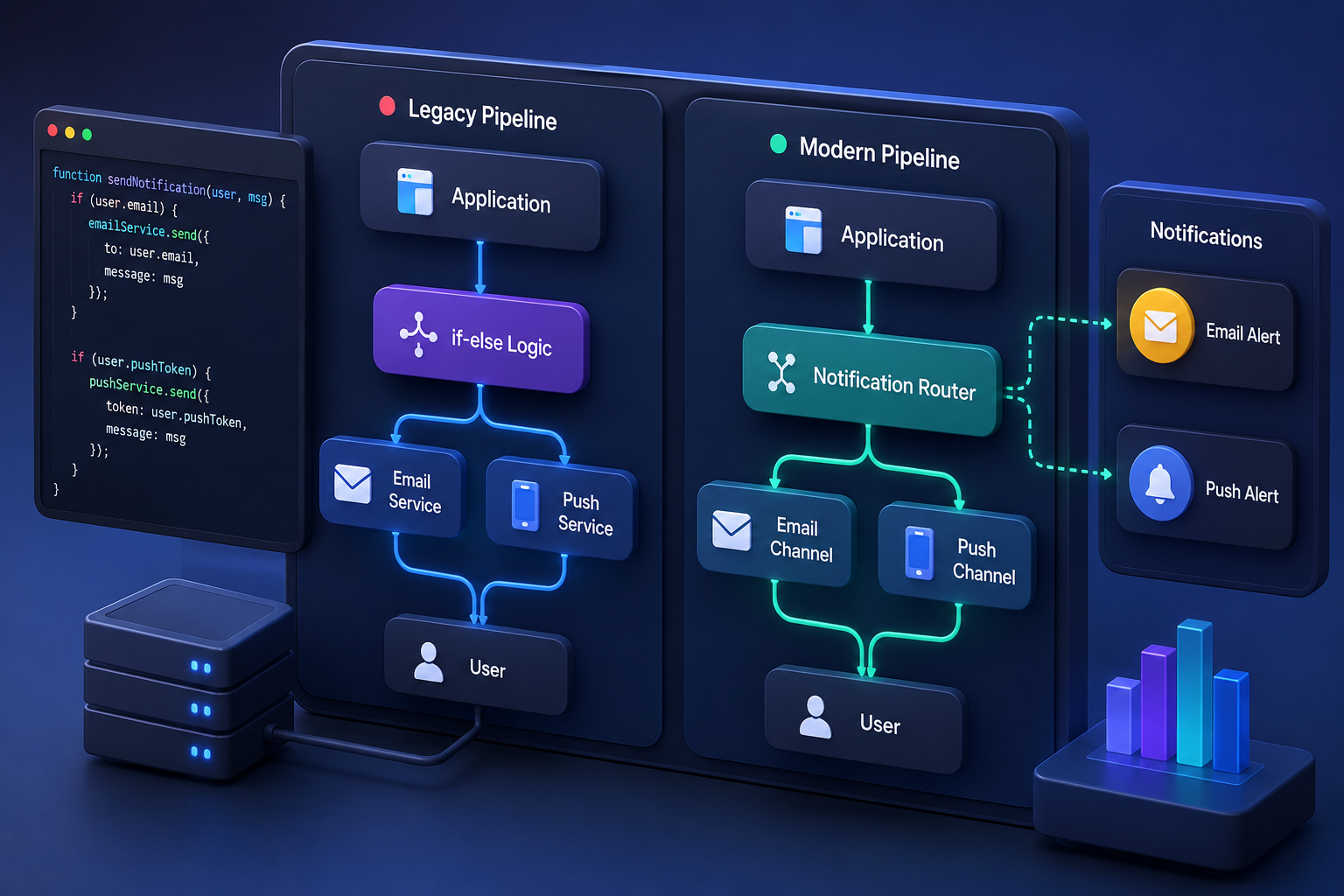
Building a custom notification pipeline from scratch always feels manageable until your product handles three channels, tenant-level preferences, and millions of noisy alerts. That is exactly when engineering teams stop writing custom microservices and look at managed notification infrastructure. If you are evaluating options for your SaaS stack, you have inevitably narrowed your shortlist down to Knock and Courier.
Both platforms solve the core headache of unifying email, SMS, push, Slack, and in-app feeds under a single API. But they approach product architecture, developer experience, and frontend integration from distinctly different angles.
The Core Verdict: When to Choose Which
If your product roadmap relies heavily on sophisticated in-app notification centers, real-time toasts, and clean React component libraries, Knock is the stronger architectural choice. If your primary requirement is casting a wide net across a massive ecosystem of 50+ delivery providers with a lower entry-level price point, Courier wins out.
Neither platform is a universal silver bullet. Choosing the right one depends entirely on your team composition, channel distribution, and UI requirements.
Architectural Overview: How Knock and Courier Work
Both platforms abstract away the pain of managing direct integrations with SendGrid, Twilio, Firebase, and Slack. Instead of writing custom webhook dispatchers and retry queues in your backend, you send a single API payload to the notification engine, which handles the complex routing logic across all channels.
- Trigger Event: Your application backend dispatches a single structured JSON payload to the notification engine API.
- Preference Check: The engine evaluates tenant-level and user-level preference rules to determine if the message should be suppressed, delayed, or routed.
- Channel Routing: The platform selects the primary channel (such as in-app feed or push) based on workflow parameters and fallback conditions.
- Dispatch: The engine hands off the rendered payload to your configured third-party delivery provider (such as SendGrid or Twilio).

Despite this shared foundational model, their operational philosophies diverge quickly once you look under the hood.
Knock: Developer-First and In-App Native
Knock positions itself as developer-first notification infrastructure with a heavy emphasis on frontend integration and complex workflow sequencing.
- In-App Experience: Knock shines brightest when you need a production-ready notification bell, unread counters, drop-down feeds, and real-time toast notifications. It provides robust, pre-built React components that drop straight into your app without requiring weeks of custom frontend engineering.
- Batching and Digests: If your users get overwhelmed by twenty separate notification pings when a teammate comments on a shared document, Knock's native batching and digest engines group those events together intelligently over custom time windows.
- Template Management: Knock relies heavily on JSON-based templates and API-driven content management, which developer-heavy teams appreciate for version control, though it requires engineers to tweak copy changes.
Courier: Broad Provider Ecosystem and Visual Workflows
Courier focuses on unifying a massive breadth of channels and giving product managers a visual canvas to manage routing logic without touching code.
- Provider Coverage: Courier integrates with over 50 delivery providers spanning email, chat, push, and SMS. If your organization relies on obscure regional SMS gateways or niche enterprise chat apps, Courier is far more likely to support them out of the box.
- Visual Designer: Courier features a drag-and-drop template designer and automation builder tailored for non-technical team members. Product managers can adjust notification flows and fallback logic without filing an engineering ticket.
- Routing Logic: Its multi-channel routing handles intelligent fallbacks cleanly—for instance, trying a push notification first, falling back to SMS if unread after ten minutes, and escalating to an email if all else fails.
Head-to-Head Feature Comparison
| Feature Category | Knock | Courier | Winner |
|---|---|---|---|
| In-App UI Components | Production-ready React components for feeds, toasts, and banners | Basic feed components and standard UI elements | Knock |
| Provider Ecosystem | 30+ integrations across core channels | 50+ integrations with expansive regional coverage | Courier |
| Batching & Digests | Advanced native windowing and aggregation rules | Basic event batching capabilities | Knock |
| Template Editing | JSON-driven templates with strong version control | Visual drag-and-drop builder for non-engineers | Courier |
| Entry-Level Pricing | Free tier up to 10k messages; paid plans start at $250/mo | Free tier up to 10k notifications; paid plans start at $99/mo | Courier |
Developer Experience and SDK Quality
When your backend engineers integrate a notification service, the quality of the SDK and API documentation dictates how fast you ship.
Knock provides a clean, modern developer experience with robust client-side SDKs alongside its REST endpoints. Because its architecture treats in-app channels as first-class citizens, syncing read/unread states across multiple browser tabs or devices happens smoothly via real-time WebSocket connections out of the box.

Courier relies on a mature REST API backed by an extensive library of provider integrations. Setting up basic triggers takes minutes, but managing highly customized client-side rendering for real-time notification components sometimes requires writing more custom wrapper code on the frontend compared to Knock's plug-and-play React library.
Cost and Scaling Realities
Both platforms offer generous free tiers that easily accommodate early-stage products and MVPs (typically up to 10,000 messages or notifications per month). However, once you cross into paid tiers, the pricing dynamics shift.
Courier's business tier starts around $99 per month, making it more accessible for bootstrapped or early growth-stage SaaS companies scaling up their volume. Knock's paid tiers step up around $250 per month, reflecting its focus on enterprise-grade multi-tenant preference management and advanced digest pipelines.
As your SaaS scales past millions of monthly notifications, overage costs on both platforms will start to rival the cost of maintaining a dedicated internal infrastructure engineer. Keep a close eye on your notification frequency—especially for automated background jobs that risk spamming users.
Common Implementation Pitfalls
Regardless of which tool you select, teams frequently run into three recurring mistakes during implementation:
- Treating Notification Infrastructure as a Delivery Network: Neither platform replaces SendGrid, Postmark, or Twilio. You still own your sender reputation, deliverability monitoring, and API keys for underlying carriers.
- Hardcoding Preference Logic in Your Core App: Avoid maintaining user preferences inside your primary application database if you adopt a notification engine. Offload preference matrix management entirely to the engine to prevent sync discrepancies.
- Ignoring Client-Side WebSocket Connections: Unread state synchronization across multiple tabs requires active socket management. Utilizing pre-built SDK hooks prevents stale unread badges without polling your backend.
Making Your Final Choice
Choosing between these two notification engines ultimately comes down to your product's core user experience goals.
Opt for Knock if your application relies heavily on an internal notification bell center, you build primarily in React, and your team needs sophisticated digest scheduling to prevent notification fatigue.
Opt for Courier if you need to coordinate messages across a vast, unconventional mix of global delivery providers, or if you want non-engineering team members to manage campaign templates using a visual builder.
If you are scaling infrastructure beyond notifications and need deep operational insights into product data performance, explore other architectural guides on Saasbonus to optimize your entire software stack.




