
Modal vs Replicate: Best Serverless GPU for AI Apps in 2026
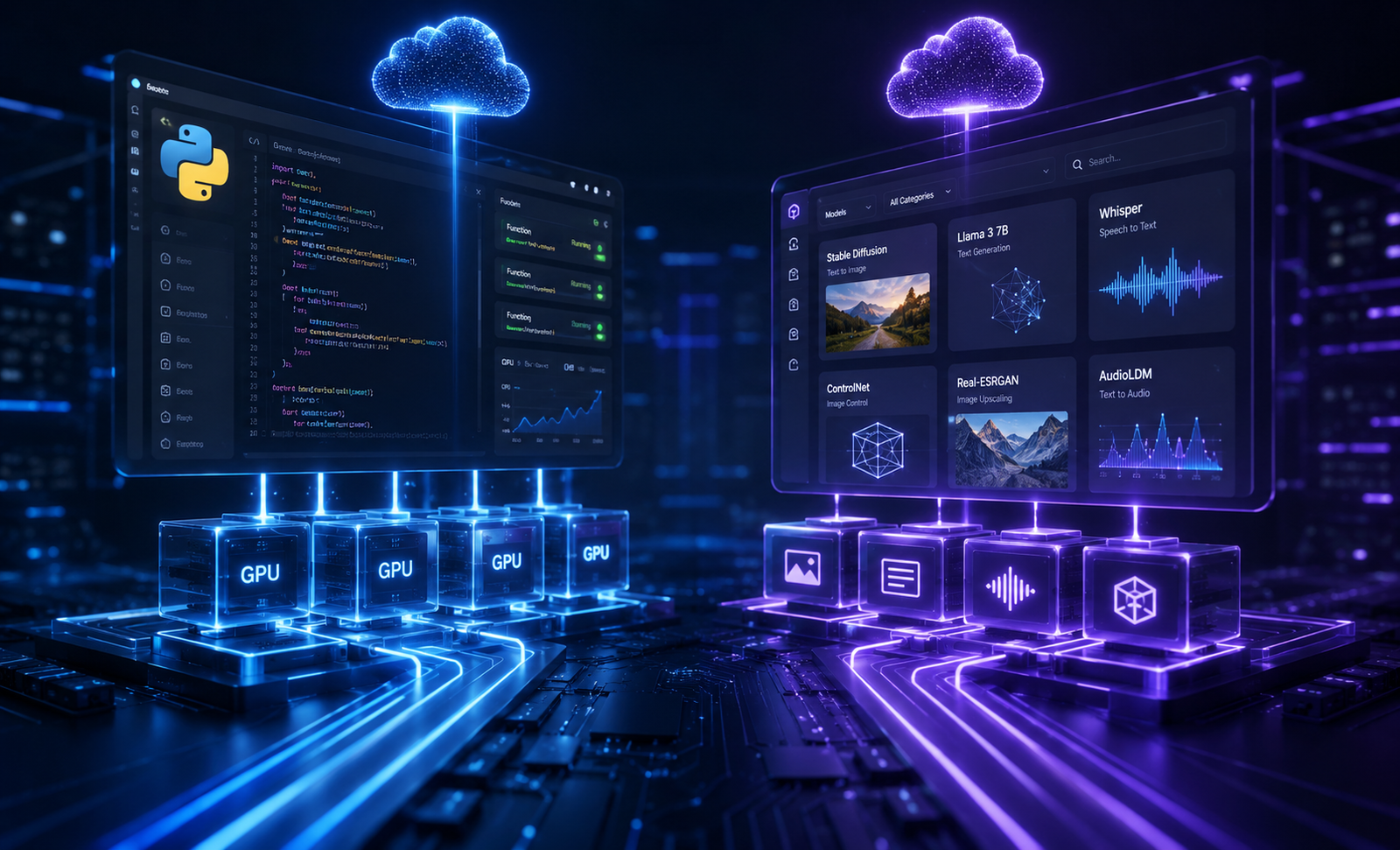
Modal costs roughly $1.10 per hour for an NVIDIA A10G and $2.10 per hour for an A100 (40GB) billed down to the millisecond with sub-2-second cold starts, whereas Replicate charges per second of run time starting at ~$0.000575/sec (~$2.07/hr) for an A10G while adding a model-hosting layer that can push cold start delays past 15 to 30 seconds on non-warmed endpoints.
If you are building an AI-native SaaS application in 2026, choosing where your inference runs is one of the most consequential architectural decisions you will make. Pick the wrong serverless GPU infrastructure and you will either drown in runaway cloud bills or frustrate users with unbearable 20-second spin-up delays every time an endpoint sits idle.
The debate usually narrows down to two market leaders: Modal and Replicate. While both market themselves as serverless GPU platforms designed to abstract away Kubernetes clusters, CUDA drivers, and cloud provider quotas, their underlying philosophies could not be more different.
Replicate operates primarily as an accessible model registry and hosted inference platform. Modal operates as a general-purpose, Python-native serverless cloud that lets you run arbitrary code directly on high-performance GPUs.
Here is an honest, hands-on architectural comparison to help you choose the right provider for your production workload.
What Is Modal?
Modal is an infrastructure-as-code serverless platform built specifically for Python workloads that require heavy compute. Instead of forcing you to build Docker images manually, configure complex YAML files, or manage server clusters, Modal allows you to define your cloud hardware directly inside your Python source code.
python import modal
app = modal.App("example-inference") image = modal.Image.debian_slim().pip_install("torch", "transformers")
@app.function(gpu="A100", image=image) def generate_response(prompt: str):
Your model inference code runs here on a remote GPU
return "Generated text"
When you execute or deploy this code, Modal instantly containerizes your local environment, provisions the requested GPU capacity across its underlying cloud providers, streams logs back to your terminal, and shuts down the instance when execution finishes.
Key Capabilities of Modal
- Arbitrary Python Execution: You are not limited to pre-packaged model pipelines. You can run preprocessing, ETL tasks, model training, fine-tuning, and inference inside the same codebase.
- Memory Snapshots: Modal can capture the RAM and VRAM state of an initialized model and store it as a snapshot. Subsequent cold starts load from this memory state, reducing startup times for multi-gigabyte models down to 1–2 seconds.
- Native Storage Mounts: Easily attach high-throughput Network File Systems (NFS) or S3-compatible cloud buckets to share weights across hundreds of concurrent workers.
- Granular Autoscaling: Scale instantly from 0 to over 1,000 GPUs without manual container registry configuration.
What Is Replicate?
Replicate is a managed machine learning platform designed to make open-source AI models accessible via simple HTTP APIs. It acts as both an open marketplace of ready-to-run models (like Flux, Stable Diffusion, LLaMA 3, and Whisper) and a deployment platform for custom open-source weights.
python import replicate
output = replicate.run( "meta/llama-2-70b-chat:v1.0", input={"prompt": "Explain serverless GPUs in plain English."} )
To run a model on Replicate, you can call their public registry directly or package your own custom model using Cog—an open-source tool created by Replicate that compiles machine learning models into production-ready Docker containers with standardized REST APIs.
Key Capabilities of Replicate
- Instant Model Ecosystem: Access thousands of pre-trained, community-maintained AI models with a single API token.
- No Infrastructure Code Required: Zero need to write CUDA initialization scripts, server loops, or HTTP wrappers for standard open-source models.
- Cog Container Standardization: Cog handles dependencies, NVIDIA drivers, and API schema generation out of the box.
- Managed Webhooks & Streaming: Native support for long-running async tasks, webhooks, and Server-Sent Events (SSE) for token streaming.
Modal vs Replicate: Core Comparison Table

| Feature / Metric | Modal | Replicate |
|---|---|---|
| Primary Focus | Python-native serverless GPU compute platform | Hosted model marketplace & inference API |
| Model Packaging | Native Python decorators & container builds | Cog configuration files & Docker packaging |
| Cold Start Speed | Extremely fast (1–5 seconds with snapshots) | Variable (10–45+ seconds on standard instances) |
| Custom Code Flexibility | Unlimited (Full Python runtime & system packages) | Moderate (Restricted to Cog container interface) |
| Public Model Library | Code examples available; no hosted registry | Massive registry of pre-deployed open-source models |
| Pricing Model | Pure GPU-second hardware rates | Per-second execution rate with platform margin |
| Fine-Tuning Support | Native (Run single or multi-GPU training jobs) | Basic (Web UI & API for select base models) |
| Concurrency Management | Fine-grained request batching & autoscaling | Auto-managed worker queues & scaling deployments |
1. Cold Start Latency & Performance
Cold starts represent the single biggest bottleneck when delivering a smooth user experience in AI applications. When your application receives a request after a period of inactivity, the platform must provision a physical GPU, pull the container image, boot the runtime, load model weights into VRAM, and initialize CUDA contexts before executing a single line of code.
Modal's Performance Approach
Modal was engineered specifically to address cold start latency. By controlling the entire virtualization stack—including custom container runtimes and userspace filesystems—Modal boots raw containers in approximately one second.
To solve the weight-loading bottleneck (which usually takes 10–30 seconds for 10GB+ models), Modal introduces memory snapshots. Modal takes a snapshot of the container's RAM and GPU VRAM after the model initializes. When a new worker scales up, it restores directly from this snapshot, reducing effective cold start times to roughly 1 to 3 seconds even for massive LLM or diffusion workloads.
Furthermore, Modal provides an explicit keep_warm=N parameter in your code:
python @app.function(gpu="A10G", keep_warm=1) def generate(): ...
This keeps a warm GPU worker provisioned at all times to eliminate cold starts entirely for baseline production traffic while allowing additional instances to burst on demand.
Replicate's Performance Approach
Replicate's cold start experience varies significantly based on whether you are hitting a popular public model or a custom-deployed Cog model.
For widely used public models (like Flux or Whisper), Replicate maintains shared pools of warm hardware. Requests hit warm workers almost instantly. However, if your application calls an obscure community model or a custom model packaged via Cog that hasn't received traffic recently, cold starts frequently take anywhere from 15 to 60 seconds.
To counter this in production, Replicate offers Deployments. Deployments allow you to set a minimum number of instances to keep warm for your dedicated model version. However, keeping dedicated instances warm on Replicate effectively shifts your pricing model from pure pay-per-use back toward reserved instance costs, making idle time expensive.
Winner on Latency: Modal. Modal's memory snapshotting and sub-second container architecture deliver consistently faster spin-up times for custom workloads.
2. Developer Experience (DX) & Code Flexibility
How your team builds, tests, and maintains AI pipelines on a day-to-day basis heavily dictates long-term developer velocity.
Writing Code on Modal
Modal feels like an extension of your local Python development environment. You write standard Python code using familiar libraries like PyTorch, Hugging Face transformers, or vLLM.
Testing code is seamless. By running modal run main.py in your terminal, Modal executes your function inside a remote GPU container in the cloud while piping stdout, stderr, and tracebacks back to your local terminal in real time. You do not need to push Docker images to Amazon ECR or Docker Hub, write complex Dockerfiles, or set up local GPU hardware.
If your application requires custom image processing, multi-stage RAG pipelines, or streaming webhooks, you can write the full logic directly inside Modal using standard Python primitives.
Writing Code on Replicate
Deploying custom models on Replicate requires adopting Cog, their open-source containerization framework.
To package a model for Replicate, you create a cog.yaml configuration file defining your Python version, system dependencies, and PyTorch packages, alongside a predict.py file that defines a Predictor class:
python
predict.py
from cog import BasePredictor, Input, Path import torch
class Predictor(BasePredictor): def setup(self): """Load the model into memory to make running multiple predictions efficient""" self.model = torch.load("weights.pth")
def predict(self, image: Path = Input(description="Input image")) -> Path: """Run a single prediction on the model""" processed = self.model(image) return processed
Once defined, you run cog push to build the Docker image locally or in the cloud and publish it to your Replicate account.
While Cog provides a clean interface for standard input/output models (image-to-image, text-to-speech, or text generation), it becomes rigid when building complex software systems. If your application requires stateful multi-step pipelines, custom dynamic batching, or intermediate caching across workers, working within Cog's standardized input/output schema can feel limiting.
Winner on Developer Experience:
- Replicate if you want to consume existing open-source models via REST API with zero deployment overhead.
- Modal if you are writing custom Python code, building multi-stage AI workflows, or fine-tuning models.

3. Pricing Breakdown & Cost Efficiency at Scale
Serverless GPU pricing looks simple on paper, but tiny operational differences can double your monthly infrastructure invoice if you aren't careful.
Modal Pricing Model
Modal bills based on raw GPU and CPU hardware usage per second, with zero markup on idle configuration. You pay strictly for the precise duration your function executes.
- NVIDIA T4: ~$0.59 / hour ($0.000164 / sec)
- NVIDIA A10G: ~$1.10 / hour ($0.000306 / sec)
- NVIDIA L4: ~$0.80 / hour ($0.000222 / sec)
- NVIDIA A100 (40GB): ~$2.10 / hour ($0.000583 / sec)
- NVIDIA A100 (80GB): ~$2.80 / hour ($0.000778 / sec)
- NVIDIA H100: ~$4.50 / hour ($0.001250 / sec)
Modal includes $30 in free compute credits every month for all users. Because Modal bills execution down to the millisecond without arbitrary minimum billing windows, it is exceptionally cheap for bursty workloads that process jobs and shut down instantly.
Replicate Pricing Model
Replicate charges per second of run time based on the hardware tier assigned to the model.
- NVIDIA T4: ~$0.000225 / sec (~$0.81 / hour)
- NVIDIA A10G: ~$0.000575 / sec (~$2.07 / hour)
- NVIDIA A100 (80GB): ~$0.001400 / sec (~$5.04 / hour)
- NVIDIA H100: ~$0.002300 / sec (~$8.28 / hour)
When using community models, you only pay for the seconds required to process your request. This makes Replicate budget-friendly during initial prototyping. However, once you deploy dedicated instances to keep cold starts low, you pay for the hardware as long as the instance remains provisioned.
When comparing hardware hourly rates directly, Replicate's per-second pricing carries a higher margin compared to Modal's direct hardware rates.
Winner on Pricing: Modal. Modal's raw hardware rates are significantly lower per GPU-second, making it far more cost-effective as your request volume scales into tens of thousands of daily inferences.
4. Custom Models, Fine-Tuning, and AI Workflows
Deploying AI applications in 2026 goes beyond serving standard inference requests. Modern stacks frequently require background batch job processing, model fine-tuning, retrieval pipelines, and real-time streaming.
Modal for End-to-End Workflows
Modal is not just an inference platform; it is a full cloud compute platform. On Modal, you can write a script that fetches training data from S3, launches a parallel LoRA fine-tuning job across 8 x A100 GPUs, saves the resulting weights to a shared volume, and immediately deploys an inference function serving those new weights.
python
Save weights directly to Modal's persistent volume
volume = modal.Volume.from_name("my-model-weights")
@app.function(gpu="A100:8", volumes={"/weights": volume}) def train_model():
Full multi-GPU fine-tuning code
...
Modal supports streaming outputs natively via Python generators, handles asynchronous background queues out of the box, and allows scheduled cron jobs to automate dataset processing.
Replicate for Fine-Tuning and Model Variety
Replicate supports fine-tuning popular base models (like SDXL or LLaMA) directly through its Web UI or REST API. You upload a .zip file of images or text training data, and Replicate orchestrates the fine-tuning job behind the scenes, outputting a new versioned model ID you can immediately query.
This setup is ideal for teams that want custom-styled image generation or domain-adapted text outputs without writing PyTorch training loops. However, if you need to experiment with novel fine-tuning techniques (such as UnSLOTH, custom RLHF pipelines, or proprietary model architectures), Replicate's managed training pipeline will quickly feel restrictive.
Real-World Use Cases: Which Should You Pick?
Choose Replicate If:
- You rely primarily on standard open-source models: Your app uses stock Flux, Stable Diffusion, Whisper, or LLaMA models without complex custom post-processing.
- You want zero infrastructure setup: You do not want to write Python deployment scripts, handle Dockerfiles, or manage container dependencies.
- You are validating an MVP or prototype: You need to test an AI feature in a weekend and value immediate HTTP endpoint access over sub-second latency tuning.
- Your team is non-technical or frontend-heavy: Your engineers are primarily Next.js or mobile developers who prefer fetching predictions via standard JSON APIs.
Choose Modal If:
- Low cold start latency is a hard requirement: You are building user-facing, real-time products (voice AI agents, interactive search, streaming LLM interfaces) where 10+ second delays destroy the product experience.
- You write custom Python compute pipelines: Your workflow involves pre-processing data, running proprietary PyTorch/JAX logic, chaining multiple models, or post-processing outputs.
- You need cost efficiency at scale: You are processing hundreds of thousands of requests per month and need direct GPU pricing without platform markup.
- You perform custom fine-tuning and training: You want to run fine-tuning jobs, batch evaluation benchmarks, or complex data collection pipelines on the same platform that serves your inference.
Common Implementation Pitfalls to Avoid
Regardless of which platform you select, avoid these three common architecture mistakes:
- Neglecting Model Weight Storage: Loading multi-gigabyte model weights from Hugging Face Hub during container runtime will cripple your cold start performance. Always cache weights into persistent volumes (Modal Volumes) or bake them into your container storage layer prior to execution.
- Over-provisioning Warm Instances: Setting keep_warm or minimum instances too aggressively on low-traffic staging environments can silently drain your cloud budget. Set minimum instances to zero in dev/staging and reserve warm pools exclusively for production routes.
- Ignoring Memory Leaks in Long-Running Containers: In custom inference scripts, failing to clear CUDA memory caches (torch.cuda.empty_cache()) between requests inside warm workers will eventually cause Out-Of-Memory (OOM) crashes under heavy concurrency.
Summary Verdict
- Replicate is the best choice for fast prototyping and consuming off-the-shelf AI models. If you want to integrate state-of-the-art open-source models into your application with a single API call, Replicate offers unmatched convenience.
- Modal is the best choice for production AI engineering teams building proprietary software. If you require low cold starts, full control over Python code execution, custom model fine-tuning, and scalable, cost-efficient infrastructure, Modal is the clear industry leader.
Looking for hands-on software reviews and tool recommendations to scale your startup's stack? Explore Saasbonus for independent comparisons, detailed software breakdowns, and practical growth playbooks.




