
Notion AI vs Coda AI: Best Workspace Assistant for Teams
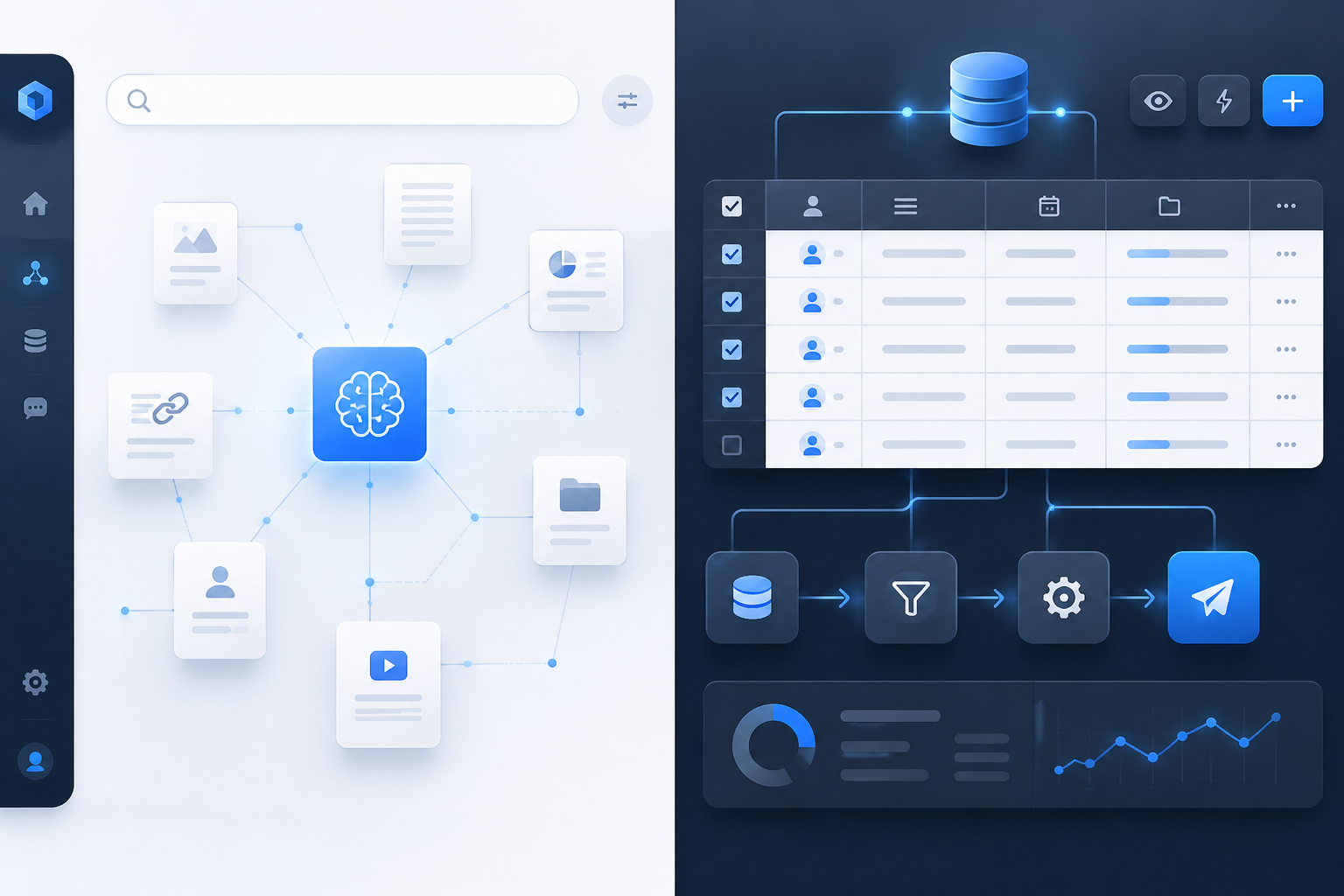
Choosing between Notion AI and Coda AI isn't a question of which underlying large language model is smarter. Both leverage top-tier AI models under the hood. Instead, the decision hinges on how your team operates day-to-day: Notion AI excels at organizing unstructured text and surfacing answers across sprawling company wikis, whereas Coda AI functions as an interactive workflow engine capable of automating multi-step data pipelines directly inside your tables.
If you want a quick, definitive verdict:
- Choose Notion AI if your team needs a clean knowledge management hub, fast Q&A search across thousands of interconnected docs, and instant summarization of notes, briefs, and databases.
- Choose Coda AI if your organization builds complex operational apps, interactive dashboards, and automated databases that require AI to calculate column values, execute actions, and pull live data from external tools.
While both platforms have evolved beyond simple text generators, their structural paradigms dictate where their AI assistants shine.
Core Architecture: How Notion and Coda Treat AI
To understand why these tools feel so different in daily use, you have to look at their core design philosophies.
Notion is built document-first. It treats pages, nested sub-pages, and text blocks as primary citizens. When you invoke Notion AI, it operates like a dedicated research assistant reading through your library. It excels at summarizing meeting records, drafting project briefs, translating text, and scanning thousands of workspace pages to give direct answers to natural language questions.
Coda, on the other hand, is built app-first. A Coda document behaves more like a custom web application powered by interconnected relational tables, interactive buttons, and event-driven automation rules. Coda AI isn't just a writing assistant; it is a computational engine. It can sit inside a table cell, process row data, generate text dynamically based on neighbouring columns, and trigger multi-step workflows.
| Operational Dimension | Notion AI Paradigm | Coda AI Paradigm |
|---|---|---|
| Core Interface | Document & Knowledge Wiki Hub | App & Interactive Relational Database Engine |
| Primary AI Strengths | Workspace-wide Q&A, doc synthesis, & drafting | AI column formulas, live cell data processing, & triggers |
| Design Structure | Clean, minimalist nested block pages | Custom tables, relational formulas, & interactive buttons |
| Integration Depth | Connected search across linked workplace apps | Deep two-way live data sync via native Coda Packs |
Key Feature Comparison
Here is a high-level breakdown of how Notion AI and Coda AI stack up across primary workspace dimensions:
| Feature Category | Notion AI | Coda AI |
|---|---|---|
| Primary Strength | Knowledge retrieval & document editing | Data transformation & automated workflows |
| Search & Q&A | High (searches across entire workspace & linked apps) | Moderate (focused within doc context and connected tables) |
| Database Capabilities | Basic property autofill & summarization | Advanced AI column formulas, row processing & calculations |
| Automation Capabilities | Basic page generation & task triggers | Multi-step logic, custom buttons, & scheduled triggers |
| External Integrations | Slack, Google Drive, Jira connectors | 600+ native Packs with 2-way live sync |
| Billing Model | Flat per-seat tiering (or per-user add-on) | Maker billing (creators pay, readers/editors free) |
| Learning Curve | Low (intuitive out of the box) | Moderate to High (requires database thinking) |
Notion AI: The Universal Knowledge Assistant
Notion AI focuses on making company knowledge instant, accessible, and effortless to write. Rather than forcing you to jump between browser tabs or dig through nested folders, it treats your entire workspace as a unified knowledge graph.
1. Workspace Q&A and Deep Search

One of Notion AI's standout features is its ability to act as an internal search engine. You can ask natural language questions like, 'What was our Q3 marketing strategy for the enterprise launch?' Notion AI scans your workspace pages, retrieves the relevant context, and generates a synthesised response complete with inline citations pointing to the original sources.
With connected search capabilities, Notion AI can also index third-party tools like Slack, Google Drive, and Jira. This means team members can search across company silos without leaving their primary workspace.
2. Writing, Editing, and Summarization
Within any document, highlighting text or typing `/ai` brings up a suite of writing tools. Notion AI can:
- Draft initial outlines, blog posts, and project specs.
- Rewrite existing copy to alter tone, fix grammar, or translate into over 20 languages.
- Distill lengthy meeting transcripts into action items and executive summaries.
3. Database Autofill
When working with Notion databases, you can add dedicated AI properties. For instance, if you maintain a database of customer feedback calls, an AI property can automatically extract main pain points, assign a sentiment score, or write a concise summary for every new entry added to the table.
Coda AI: The Operational Workflow Engine
Where Notion AI organizes thoughts, Coda AI executes work. Coda treats AI as an active programmatic component within interactive documents.
1. AI Column Formulas and Table Intelligence
In Coda, tables are true relational databases. Coda AI allows you to write AI prompt formulas directly inside table columns.
For example, if Column A contains a product review, Column B can feature a Coda AI formula: `AI("Analyze the sentiment of " + [Column A] + " and suggest a resolution step")`. Coda will evaluate this prompt across hundreds of rows simultaneously, updating output in real time as new entries arrive.
2. Interactive AI Buttons and Automation Rules
Coda enables you to embed action buttons inside docs. You can configure a button that, when clicked, instructs Coda AI to:
- Read data from a specific row.
- Generate a custom draft response using a specified LLM.
- Send that draft directly into a Slack channel or email thread via Coda Packs.
This turns documents into full-fledged internal operational tools without requiring third-party integration platforms like Zapier.
3. Deep Integration with Coda Packs
Coda's ecosystem relies on 'Packs'—native integrations that connect docs to services like GitHub, Jira, Figma, Salesforce, and Google Workspace. Coda AI works seamlessly with these Packs, allowing you to summarize live data streams from external tools and send automated actions back to those platforms.
Pricing Models: Per-Seat vs. Maker Billing
Understanding the financial trade-offs between Notion and Coda requires looking past headline plan rates to how each platform calculates user seats.
Notion Pricing Structure
Notion uses a traditional per-seat model. Every user who accesses your workspace as a team member incurs a monthly charge, regardless of whether they create pages daily or simply read documentation twice a month.
- Plus Plan: ~$10 per user/month (billed annually).
- Business Plan: ~$20 per user/month (billed annually) — includes integrated AI capabilities.
- Enterprise Plan: Custom pricing.

Note on AI: On lower Notion tiers, AI is available as an $8–$10 per user/month add-on billed across workspace members, whereas on higher tiers like Business, full AI capabilities are directly bundled into the per-seat fee.
Coda Pricing Structure
Coda uses a Doc Maker model. You only pay for team members who create new documents or pages ('Doc Makers'). Editors and view-only members access and interact with docs for free.
- Pro Plan: ~$10–$12 per Doc Maker/month (billed annually).
- Team Plan: ~$30–$36 per Doc Maker/month (billed annually) — includes expanded automation limits and advanced AI credits.
- Enterprise Plan: Custom pricing.
Financial Impact Example
Consider a 30-person engineering and product team consisting of 6 primary workspace architects (who build docs and databases) and 24 team members (who edit tasks, read docs, and update status fields):
- With Notion (Business Tier): 30 users × $20/month = $600 per month.
- With Coda (Team Tier): 6 Doc Makers × $30/month (plus 24 free editors) = $180 per month.
In scenarios where a small subset of creators builds tools for a large consumer base, Coda's billing model delivers substantial cost savings. Conversely, if all 30 team members actively create new documents, Notion's flat per-seat pricing often proves more predictable and economical.
Practical Use Cases: When to Choose Which
Choose Notion AI If Your Primary Focus Is:
- Building a Company Wiki: You need a single source of truth where employees can search for HR policies, engineering guidelines, and onboarding materials using natural language Q&A.
- Content Generation and Editorial Workflows: Your team writes extensive strategy briefs, blog posts, marketing collateral, and meeting summaries.
- Rapid Adoption: You want a clean, minimalist interface that non-technical team members can learn in minutes without studying database architecture.
Choose Coda AI If Your Primary Focus Is:
- Custom Operational Apps: You want to build internal tools—such as an automated bug tracker, product roadmap dashboard, or CRM—complete with interactive buttons and automated triggers.
- Bulk Data Processing: You manage structured tables requiring AI to process, classify, or transform information row by row.
- Consolidating SaaS Subscriptions: You want to reduce reliance on external automation tools (like Zapier or Make) by using native Coda Packs and AI-driven automation rules.
Real-World Limitations to Keep in Mind
No workspace assistant is perfect. Here are the practical constraints you'll encounter with both tools:
Notion AI Drawbacks
- Limited Automation Logic: While Notion can summarize data and trigger basic actions, it lacks native multi-step procedural logic. Building complex, conditional workflows typically requires external tools like Zapier or Make.
- Database Scalability: Notion databases can experience latency when handling thousands of rows with complex relation properties and active AI calculations.
Coda AI Drawbacks
- Steeper Learning Curve: Designing documents in Coda requires a mindset closer to software development. Teams expecting a simple text editor may find Coda's table-first paradigm overwhelming initially.
- Doc Performance with Heavy AI Formulas: Running AI column formulas across massive tables containing thousands of entries can consume your plan's AI credit limits quickly and require strategic execution rules.
How to Transition or Evaluate for Your Team
If you are on the fence between both platforms, follow these steps to make an informed decision:
- Audit Your User Roles: Count how many people on your team build workspace structures versus how many simply read and update content. A low creator-to-consumer ratio points toward Coda's billing advantage.
- Identify Primary Workflows: Is 80% of your work document-based (notes, wikis, briefs) or database-based (pipelines, trackers, resource allocation)? Document-heavy workflows thrive in Notion; database-heavy workflows thrive in Coda.
- Run a 14-Day Pilot: Pick a single cross-functional project. Replicate it in both tools, enable the AI features, and gather direct feedback from team members regarding ease of use.
At Saasbonus, we evaluate workspace software based on long-term efficiency and true cost-to-value. Selecting the right AI assistant isn't just about saving ten minutes on a document—it's about building a digital workspace that grows seamlessly alongside your team.
Final Verdict
Both platforms represent top-tier AI-assisted productivity, but they cater to different operational styles. Notion AI is the clear choice for teams that prioritize unified knowledge management, intuitive document editing, and fast enterprise Q&A search. Coda AI excels for teams seeking an operational workhorse capable of turning tables, formulas, and native integrations into automated interactive applications.




