
Synthesia vs HeyGen: Best AI Avatar Tool for SaaS Training?
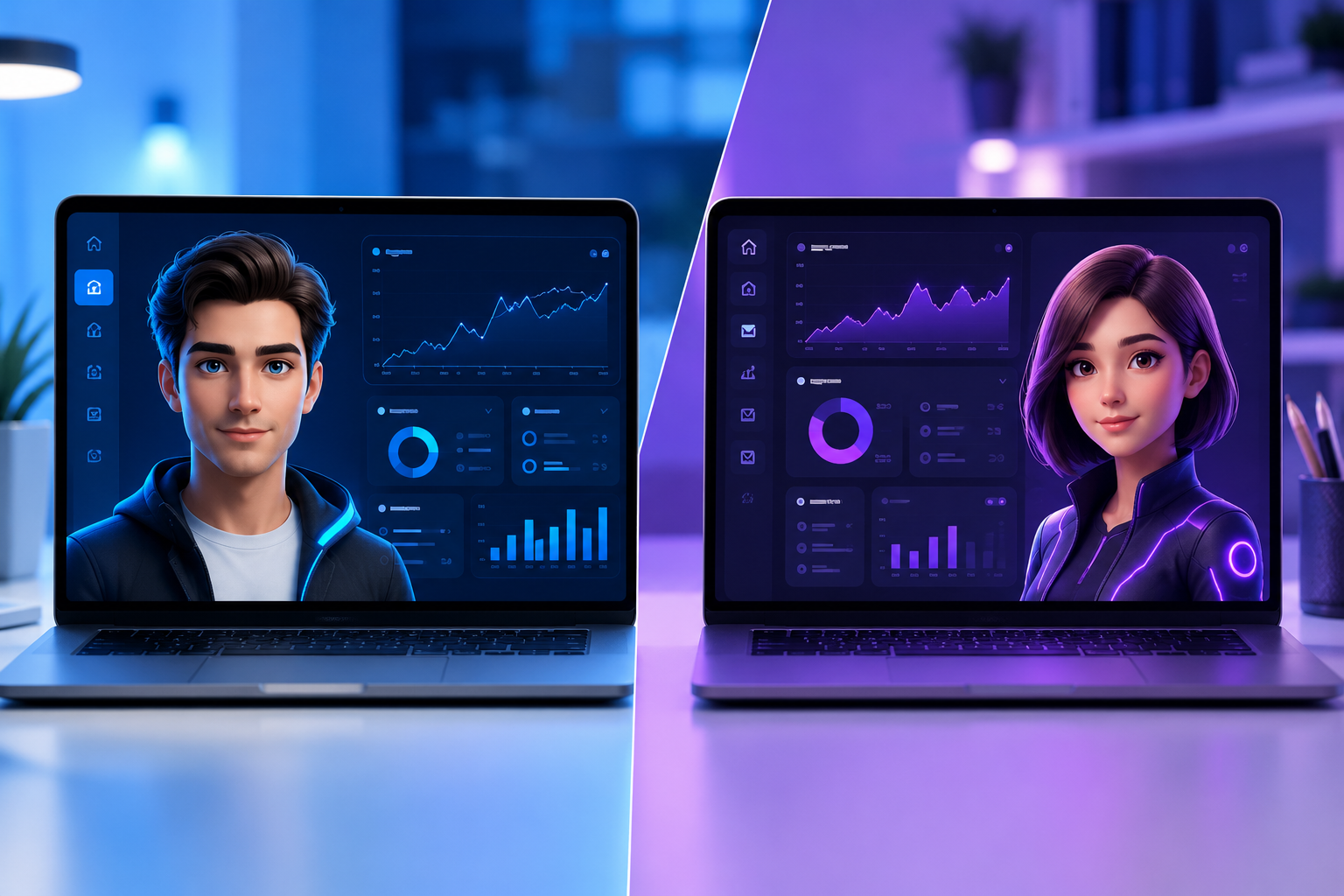
Synthesia vs HeyGen: Which AI Avatar Generator Rules SaaS Training?
If you need to ship 20 localized product training videos this quarter and your engineering team refuses to record screen narration, Synthesia is the superior platform for structured corporate L&D, while HeyGen wins on micro-content creation and hyper-realistic viral marketing avatars.
For SaaS teams, video is no longer optional. Customer success managers spend hours walking new accounts through complex workflows, and Learning & Development (L&D) specialists struggle to keep customer academies up to date every time product designers update the UI. Hiring on-camera talent, booking studios, and re-shooting full tutorials for minor feature updates destroys team bandwidth.
AI avatar video generators promise to solve this bottleneck entirely. Instead of booking a studio, you paste a text script, pick a digital twin, insert screen recordings, and hit export.
However, Synthesia and HeyGen tackle this problem from fundamentally different operational angles. Synthesia behaves like an enterprise-grade learning management system (LMS) video engine. HeyGen behaves like an agile, high-fidelity creative studio built for rapid social production and personalized outreach.
In this evaluation, we test both platforms across avatar realism, SaaS screen recording integration, LMS export capabilities, multi-language localization, and total cost of ownership.
Core Feature Comparison: Synthesia vs. HeyGen
Before analyzing deep production workflows, here is how the two platforms stack up across key technical and operational benchmarks:
| Feature / Benchmark | Synthesia | HeyGen |
|---|---|---|
| Primary Use Case | Enterprise L&D, Corporate Training, Onboarding | Marketing, Social Media, Sales Outreach, Micro-Lessons |
| Avatar Realism & Expressions | Clean, formal, professional, highly stable | Dynamic, expressive gestures, higher motion realism (Avatar IV) |
| Languages & Voices | 140+ languages, deep voice control | 175+ languages, automatic dubbing/lip-sync |
| LMS / SCORM Export | Native SCORM export & interactive video triggers | SCORM export available on Business ($149/mo+) & Enterprise |
| Screen Recording & Editing | Built-in recorder with cursor smoothing & zoom | Built-in screen recorder with standard timeline overlay |
| Personal / Custom Avatars | Studio HD avatars & quick webcam clones | Instant Digital Twins & Studio 4K Digital Twins |
| Pricing Model | Fixed seat subscription + monthly minute caps | Monthly credit system based on video duration & quality |
| Security & Compliance | SOC 2 Type II, SAML/SSO, strict content moderation | SAML/SSO, SOC 2, enterprise workspace governance |
Avatar Realism and Voice Naturalness: Which Looks Less Robot?
The primary fear most SaaS leaders have with AI video is the uncanny valley. If your customer onboarding avatar looks like a glitching mannequin, users tune out instantly.
HeyGen's Edge in Micro-Gestures and Expressiveness
HeyGen has pushed the boundaries of visual expressiveness with its Avatar IV engine. Unlike older generations of AI avatars that remained motionless from the chest down, HeyGen's avatars incorporate subtle body tilts, shoulder shrugs, hand gestures, and head nods that match the emotional tone of the script.
When creating short-form feature announcements or personalized sales follow-ups, HeyGen avatars look remarkably human. Their voice cloning engine also captures vocal cadence, pitch variations, and regional accents with impressive fidelity.
Synthesia's Enterprise Consistency and Polish
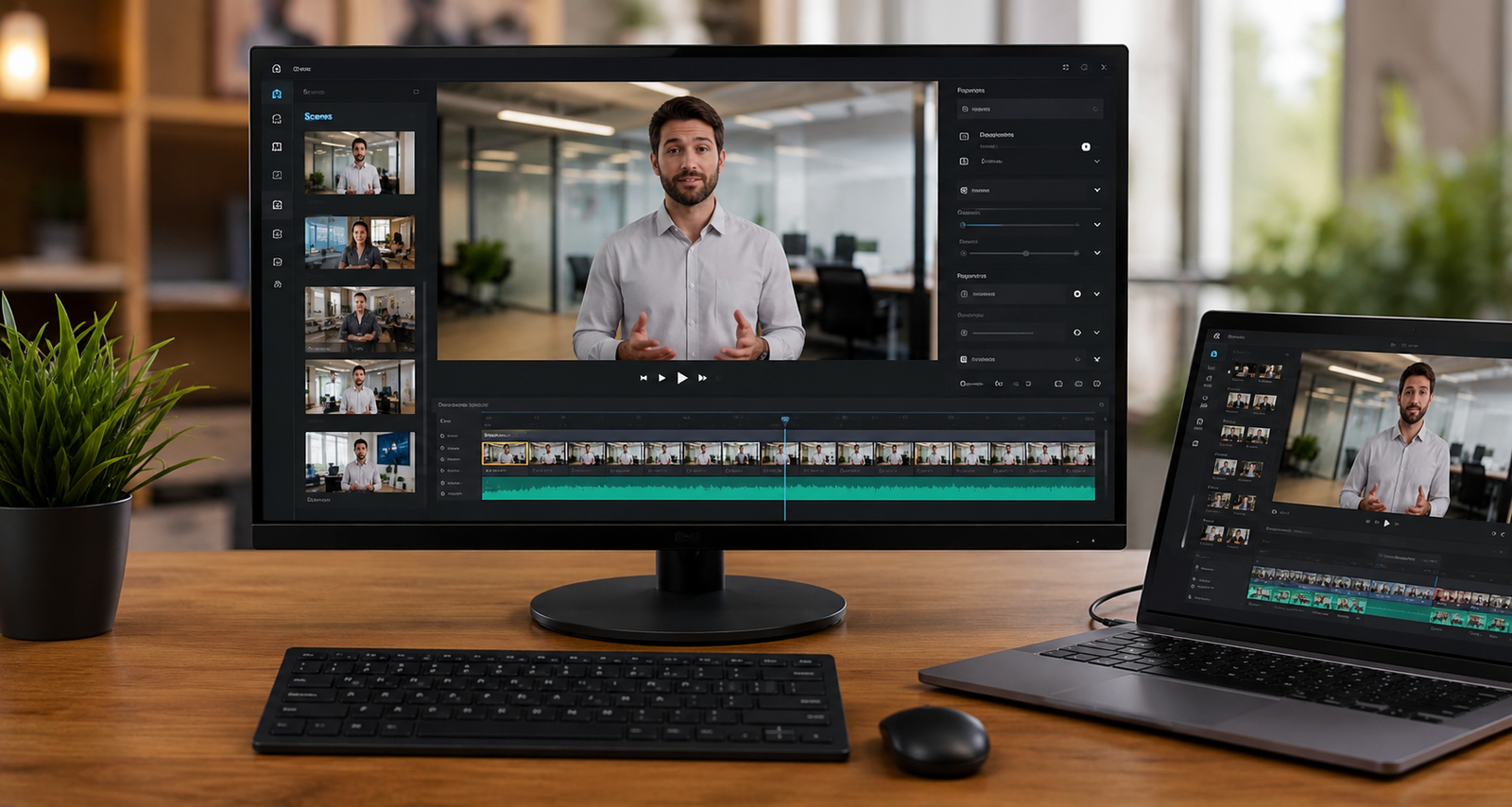
Synthesia takes a more measured approach. Its stock catalog of over 180 to 240+ professional avatars focuses on crisp, authoritative presentation styles. You won't see wild hand gestures, but you will get rock-solid stability.
In long-form SaaS training modules (10+ minutes), Synthesia's restrained delivery actually works better. Exaggerated gestures can become repetitive when looped across a 15-minute course, whereas Synthesia's calm, instructor-style delivery maintains visual neutrality. Furthermore, Synthesia's voice engine excels at complex technical terminology—correctly pronouncing acronyms, API endpoints, and software jargon without awkward pauses.
SaaS Training Workflows: Screen Recordings, UI Overlays, and SCORM
SaaS training videos rarely consist of just a talking head. You need to show your software in action: mouse clicks, dashboard navigation, pop-ups, and feature walk-throughs.
Comparing Platform Production Pipelines
- Synthesia Workflow: You import your raw script and screen recordings onto a slide canvas, configure picture-in-picture avatar positioning, export a native SCORM file, and upload it directly into your enterprise LMS.
- HeyGen Workflow: You combine your script and footage inside a timeline video editor, refine layer timings and transitions, export a high-definition MP4 file, and embed it into your customer academy web pages.
Screen Recording and Editing Capabilities
Both platforms allow you to upload external screen recordings or capture your browser directly within the tool. However, Synthesia treats video creation like a slide deck, making it intuitive for instructional designers:
- Slide-Based Editor: Each scene functions like a PowerPoint slide. You can embed a screen recording as the background, scale the avatar down to a picture-in-picture bubble in the bottom corner, and add animated text highlights.
- Cursor Control: Synthesia includes automated cursor smoothing, allowing you to clean up erratic mouse movements from live screen recordings.
- Triggers & Hotspots: On higher-tier plans, you can add interactive choice screens directly within the video canvas.
HeyGen offers a more traditional timeline-based editor. While it gives video editors finer control over layer timing, transitions, and audio tracks, non-technical team members may experience a steeper learning curve when trying to align script audio with UI screen clips.
SCORM Export and LMS Integration
If your SaaS company delivers certified training through an enterprise LMS (such as Skilljar, WorkRamp, Docebo, or Thought Industries), SCORM compliance is a non-negotiable requirement.
- Synthesia builds SCORM export directly into its platform architecture. You can export training modules as SCORM 1.2 or SCORM 2004 packages complete with embedded knowledge-check quizzes. When uploaded to your LMS, the platform tracks completion rates, quiz scores, and user progress natively.
- HeyGen introduced SCORM export, quiz creation, and LMS integration features primarily on its Business ($149/mo+) and Enterprise tiers. If you operate on individual Creator or Pro plans, you are restricted to standard MP4 exports, requiring manual video embedding into your learning platform.
Multi-Language Localization: Scaling Global SaaS Onboarding
One of the biggest ROI drivers for AI avatars in SaaS is global translation. If your product expands into LATAM or EMEA, re-recording video tutorials in Spanish, German, or French usually requires hiring local talent or settling for robotic voiceovers.
Synthesia's Translation Engine
Synthesia supports over 140 to 160 languages and accents. Its primary advantage is one-click video translation: you can take a completed English product walkthrough, select 12 target languages, and generate localized video versions within minutes. The platform automatically translates the script text, aligns the avatar's lip movements to the new audio, and updates screen text overlays.
HeyGen's AI Voice Dubbing
HeyGen approaches localization through its state-of-the-art AI Video Translator. Rather than just generating a new voice track from text, HeyGen can take an existing video of a real human team member, clone their voice in over 30 to 175+ languages, and alter their actual lip movements to match the translated tongue.
If your product founder records an introductory video in English, HeyGen can re-render that exact same video with the founder speaking fluent Japanese in their own voice. For brand authenticity, this feature is unmatched.
Real-World Pricing Breakdown: What Will You Actually Pay?

Pricing structure differences between Synthesia and HeyGen often dictate which platform fits your team budget. Synthesia charges per seat with explicit monthly video time limits, while HeyGen uses a dynamic credit system.
Synthesia Pricing Structure
- Free Plan ($0/mo): 10 minutes/month, 9 stock avatars, watermarked exports.
- Starter ($29/mo): 10 minutes/month, 125+ avatars, 3 personal avatars, logo removal. Good for individuals producing 2–3 short videos monthly.
- Creator ($89/mo): 30 minutes/month, 180+ avatars, 5 personal avatars, multiple avatars per scene, API access.
- Enterprise (Custom): Unlimited video generation minutes, 240+ avatars, unlimited custom digital twins, SAML/SSO, SCORM export, dedicated support. Contracts typically range from $10,000 to $25,000+ per year for mid-to-large L&D operations.
HeyGen Pricing Structure
- Free Plan ($0/mo): 3 videos/month (up to 1 min each), 720p resolution, watermarked.
- Creator ($29/mo): 600 credits/month (or ~200 Premium credits depending on plan version), 1080p export, 700+ stock avatars, 1 custom digital twin, 175+ languages.
- Pro ($49–$99/mo): Scales from 1,000+ credits/month up to higher volumes, 4K rendering, script translation editing.
- Business ($149/mo + $20/seat): 1,500 base credits, multi-seat workspace, team collaboration, 5 custom digital twins, 4K export, SCORM export, LMS tools.
- Enterprise (Custom): Custom credit allocations, custom avatar counts, SCIM provisioning, audit logs, priority CSM support.
Important Cost Nuance: HeyGen's credit consumption varies based on output quality. Using premium avatars (like Avatar IV) or exporting in 4K burns credits faster than standard 1080p generation. If your team re-renders videos frequently during editing cycles, credit usage can add up faster than Synthesia's fixed minute system.
Step-by-Step Guide: Building a SaaS Customer Training Module
To see how these platforms fit into daily workflows, here is how to build a complete customer onboarding module from scratch using an AI avatar platform.
Common Pitfalls When Using AI Avatars for Software Videos
Even with advanced AI tools, SaaS teams often make structural errors that lessen the impact of their training videos. Avoid these three common mistakes:
1. Overusing Full-Screen Talking Heads
Customers watch SaaS training videos to see the software, not to watch a digital avatar talk for five minutes straight. Keep full-screen avatar shots to the introduction and closing 10 seconds of a video. For the remaining 80% of the duration, shrink the avatar to a corner bubble or rely purely on voiceover paired with crisp UI screen captures.
2. Failing to Update Script Terminology for Pronunciation
AI text-to-speech engines can occasionally stumble over unique product names, feature acronyms, or syntax (e.g., pronouncing "SaaS" as "S-A-A-S" or mispronouncing API tokens). Always preview audio tracks scene-by-scene and use phonetic spelling (e.g., writing "pass" as "pahss") when necessary to ensure natural delivery.
3. Ignoring Re-Render Costs During Editing
If you make a single typo in a script on a credit-metered system, re-rendering the entire 10-minute video burns through credits. Always finalize and proofread text scripts in a document editor before pasting them into AI video generation platforms.
Final Verdict: Which Tool Should You Choose?
Choosing between Synthesia and HeyGen comes down to your primary use case, team size, and distribution strategy.
Choose Synthesia If:
- You are an L&D manager, Instructional Designer, or Customer Success Lead building structured, long-form training courses.
- You require native SCORM exports, interactive knowledge checks, and direct LMS integration.
- You need predictable per-seat monthly subscription costs for enterprise budgeting.
- You require strict compliance, SOC 2 certification, and SAML/SSO security controls across large global teams.
Choose HeyGen If:
- You are a Product Marketer, Growth Lead, or Social Media Manager creating high-impact micro-videos, social ads, and outreach content.
- You value dynamic avatar movement, facial expressiveness, and hyper-realistic voice cloning above all else.
- You want to utilize instant voice dubbing to translate founder or presenter videos into dozens of languages while keeping their real face.
- You work in a fast-moving startup environment that prefers flexible, credit-based usage.
For more software reviews, comparison guides, and practical SaaS tool breakdowns, explore Saasbonus to find the right growth stack for your company.




