
Temporal vs Airflow: Orchestrating Complex SaaS Workflows
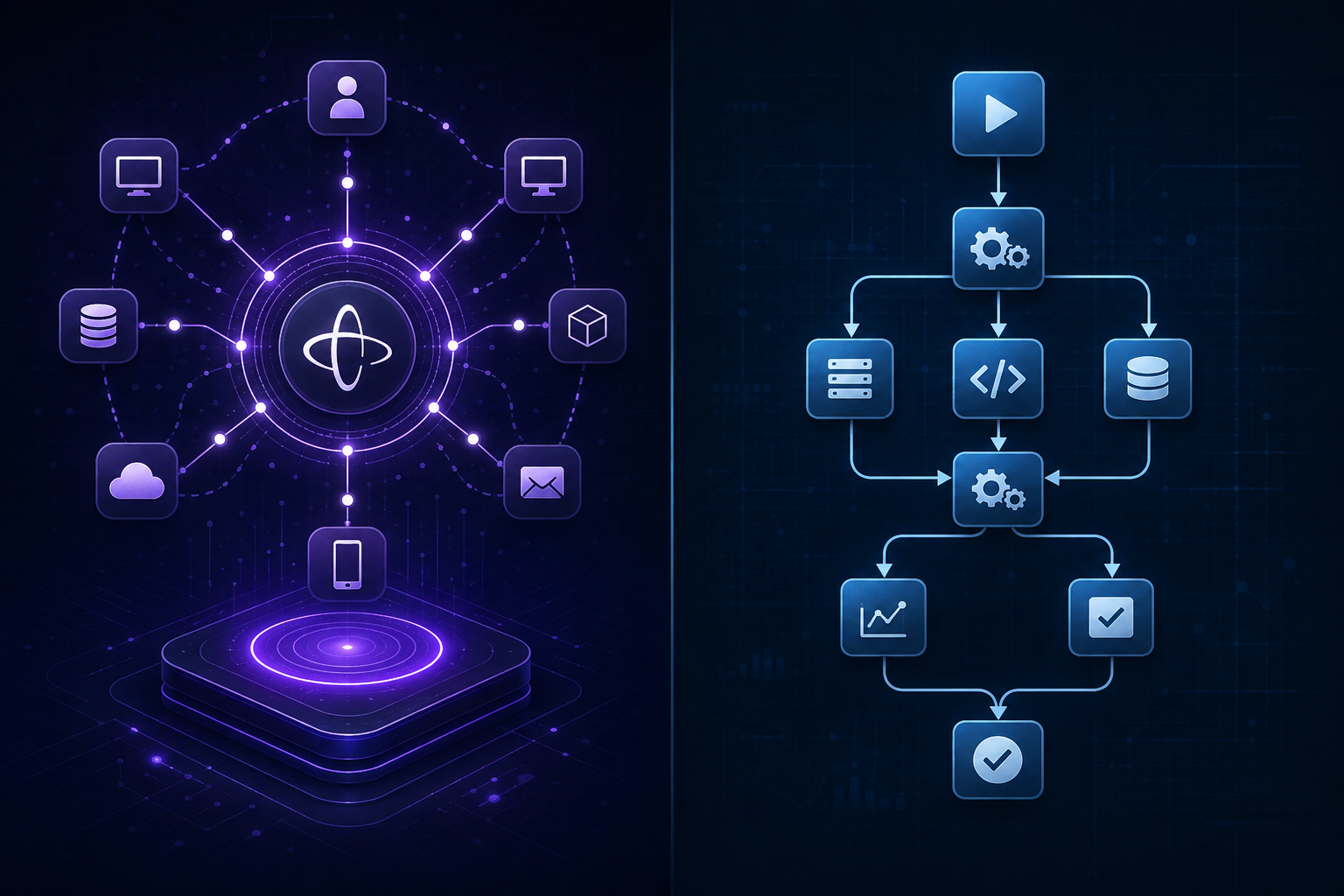
Apache Airflow was built to solve data engineering batch processing, while Temporal was designed to solve stateful microservice execution—and mistaking one for the other in a modern SaaS architecture usually leads to painful refactoring.
If you need to schedule night-time analytical ETL jobs, move millions of rows from Postgres into Snowflake, or trigger batch ML pipelines, Apache Airflow remains an industry standard. But if you are building user-facing SaaS workflows—such as multi-step subscription provisioning, Stripe payment retries, asynchronous AI agent chaining, or distributed saga transactions across microservices—Temporal is built specifically for that job.
Choosing the wrong tool introduces severe operational friction. Trying to run sub-second, event-driven SaaS transactions on Airflow leads to scheduler polling bottlenecks and high latency. Conversely, attempting to use Temporal as a massive distributed SQL batch transformer misses out on Airflow's rich ecosystem of data warehouse operators and visual DAG monitors.
In this guide, we break down the architectural differences, latency profiles, state management models, developer experiences, and cost structures of Temporal and Airflow to help platform engineers and SaaS CTOs make the right choice.
The Core Architectural Difference: Code-as-State vs Graph-as-a-DAG
To understand why Temporal and Airflow behave so differently under load, you must look at their foundational programming models.
Airflow: Directed Acyclic Graphs (DAGs) for Batch Execution
Airflow organizes work into Directed Acyclic Graphs (DAGs) composed of discrete tasks. In Airflow, tasks are isolated nodes in a graph. An Airflow DAG file defines the dependencies between these tasks using Python code that executes at parse time to construct the static structure of the workflow.
When Airflow runs a workflow, its centralized Scheduler continuously polls the database to check if task dependencies have been met. Once a task's prerequisites succeed, the scheduler places a message into a queue (such as Celery or Kubernetes executor queues), and an isolated worker picks up the job. State is stored in an external relational database (usually PostgreSQL or MySQL) and updated at task boundaries.
Because Airflow was architected around batch data processing, its mental model revolves around logical execution dates, batch intervals, and task-level isolation. Airflow expects tasks to execute, finish, save their output to storage, and terminate.
Temporal: Durable Execution via Event Sourcing
Temporal discards the concept of a static DAG entirely. Instead, it introduces Durable Execution—a paradigm where your workflow code is written in standard, imperative code (TypeScript, Go, Python, Java, or .NET) and runs continuously as if your server never reboots, loses network connectivity, or crashes.
Temporal achieves durability through event sourcing. Every time your workflow code takes an action—such as calling an external API, executing an activity, setting a timer, or receiving a signal—Temporal's server records that event in an append-only event history log. If the worker process running your workflow crashes mid-execution, Temporal immediately spins up another worker, replays the recorded history to reconstruct the exact local state (variables, stack, execution line), and continues running from the precise line of code where it failed.
This fundamental difference dictates everything else: Airflow coordinates isolated batch scripts across scheduled time windows, whereas Temporal provides a continuous, fault-tolerant execution runtime for general-purpose software.
Feature Comparison: Temporal vs Airflow
| Architectural Dimension | Apache Airflow | Temporal |
|---|---|---|
| Primary Design Target | Batch data pipelines, ETL/ELT, ML workflows | Event-driven microservices, SaaS transactions, sagas |
| Execution Paradigm | Scheduled DAGs of isolated tasks | Durable, event-sourced imperative code |
| Trigger Mechanism | Schedule intervals (cron), datasets, manual triggers | On-demand API calls, event streams, gRPC signals |
| Scheduling Latency | Seconds to tens of seconds (polling overhead) | Milliseconds (gRPC push model) |
| State Persistence | Database status per task boundary | Full event history log with state replay |
| Supported Languages | Python (primarily) | Go, TypeScript/JavaScript, Python, Java, .NET |
| Long-Running Waits | Requires polling sensors or Deferred Operators | Native `workflow.sleep()` lasting seconds to years |
| Dynamic Workflows | Harder; requires dynamic DAG generation at parse time | Native; standard `if`, `for`, and `async` code branches |
| Human-in-the-Loop | Interrupted execution, custom task state hacks | Native Signals and Queries directly into active workflows |
| UI Focus | Pipeline runs, task logs, historical DAG success rates | Live workflow state, event history trees, stack traces |
How Airflow Handles SaaS Workflows (And Where It Struggles)
Airflow has become immensely popular over the last decade because of its extensive provider library. It ships with hundreds of pre-built integrations for Amazon S3, Google BigQuery, Snowflake, Databricks, Slack, and PostgreSQL.
If your SaaS platform needs to run a nightly job that exports user usage metrics, calculates billing tiers, converts them to CSV, and loads them into a data lake, Airflow is exceptionally well suited for the task.
The Operational Friction Points of Airflow for SaaS
However, when engineering teams attempt to leverage Airflow for core product features—such as onboarding a new user account, handling multi-factor authentication setup, or orchestrating an interactive AI workflow—they quickly hit architectural boundaries:
- High Scheduler Polling Latency: Airflow's architecture relies on the Scheduler loop scanning the database. Even with optimized configurations on Airflow 2.x, task transition delays frequently range between 1 and 5 seconds. For real-time SaaS applications where a user is waiting for an API response, multi-second overhead between steps is unacceptable.
- State Sharing Overhead: Airflow tasks run in isolated worker processes. Passing data between tasks requires XComs (Cross-Communications), which serializes data into Airflow's metadata database or external S3 buckets. Storing small intermediate variables in XCom adds database bloat and introduces serialization costs.
- Clunky Human-in-the-Loop Patterns: Modern SaaS workflows often require pausing execution until an external condition is met—such as waiting for a user to click an email verification link or waiting for an asynchronous Stripe webhook. In Airflow, this requires "Sensors" that continuously poll an external resource, occupying worker slots or running up database queries.
- Rigid DAG Parsing: Airflow must parse Python DAG files periodically to update the database schema. Writing dynamic loops based on real-time user payloads during execution can cause scheduler instability if the graph structure mutates unexpectedly.
How Temporal Solves Complex SaaS Workflows
Temporal was created by engineers who built Uber Cadence and AWS Simple Workflow Service (SWF). It was engineered specifically to solve the distributed systems challenges inherent in modern SaaS platforms.
In a typical microservices backend, coordinating an operation across multiple services requires complex retry logic, message queues (RabbitMQ or Kafka), and database transactions. If one service drops an HTTP call half-way through, your backend enters an inconsistent state. Temporal eliminates this failure mode entirely.
Core Temporal Building Blocks
- Workflows: Deterministic functions written in standard code that define the overarching business logic. They orchestrate activities, respond to signals, and hold state.
- Activities: Non-deterministic operations that interact with the outside world—such as making HTTP requests, querying a database, or invoking an AI model. If an activity fails due to a network timeout, Temporal automatically retries it according to your customizable backoff policy.
- Workers: Lightweight processes hosted on your own infrastructure (Kubernetes, AWS ECS, or bare metal) that execute your workflow and activity code. Workers communicate with the Temporal Server via long-polling gRPC.
- Signals and Queries: Mechanisms to interact with running workflows. A Signal delivers external events into a workflow in real time (e.g., a webhook payload). A Query returns internal workflow state instantly without mutating execution.
The Saga Pattern Made Simple
In a distributed SaaS application, you often need to execute a multi-step transaction across multiple isolated services. For example, when an enterprise client upgrades their SaaS plan:
- Charge the credit card via Stripe.
- Provision dedicated database tenants.
- Issue API keys.
- Send a welcome notification via Email.

If step 3 fails due to a database provisioning timeout, you must refund the credit card charged in step 1. In traditional microservice architectures, managing this requires a distributed Saga Pattern with complicated state machines and messaging queues.
In Temporal, implementing a Saga takes a few lines of code with automatic compensation steps:
```typescript // Example Temporal Workflow snippet in TypeScript import { proxyActivities, Saga } from '@temporalio/workflow'; import type * as activities from './activities';
const { chargeCreditCard, refundPayment, provisionTenant, deprovisionTenant, sendWelcomeEmail } = proxyActivities
export async function upgradeEnterprisePlanWorkflow(details: UpgradeDetails): Promise
// Step 2: Provision Tenant const tenantId = await provisionTenant(details.orgId); saga.addCompensation(async () => await deprovisionTenant(tenantId));
// Step 3: Send Welcome Email await sendWelcomeEmail(details.orgId); } catch (err) { // Automatically executes compensation logic in reverse order on failure await saga.compensate(); throw err; } } ```
If any activity throws an unhandled error after maximum retries, Temporal catches the exception and executes the registered compensations in reverse order. The developer does not need to maintain custom database flags, dead-letter queues, or cron sweepers.
Latency and Performance Under Load
When evaluating orchestrators for SaaS backends, latency is often the decisive factor.
Airflow Latency Profile
Airflow's scheduler runs periodic loops. Tasks are pushed to a queue, picked up by Celery or Kubernetes workers, initialized in an isolated Python interpreter, executed, and reported back to the database.
- Minimum overhead per task transition: 1,000ms to 5,000ms.
- Throughput capability: Hundreds of task instances per minute per scheduler node.
- Suitability: Batch pipelines running hourly, daily, or on multi-minute schedules.
Temporal Latency Profile
Temporal uses an event-driven gRPC push model. When a workflow schedules an activity, Temporal Server pushes the task directly to an awaiting long-polling worker process via open gRPC channels. Workers maintain in-memory state and execute code instantly.
- Minimum overhead per activity transition: 10ms to 50ms.
- Throughput capability: Tens of thousands of workflow executions per second on scalable clusters.
- Suitability: Real-time user interactions, API orchestrations, webhooks, and sub-second SaaS background tasks.
For a SaaS app where an end-user is waiting for an operation to complete on a dashboard, Temporal provides near-instantaneous execution. Airflow will introduce visible spinners and delays.
Developer Experience: How Code Gets Written and Maintained
Developer experience impacts how fast your team can ship features and debug production outages.
Writing Workflows in Airflow
Airflow requires developers to think in terms of static tasks and operators. Everything must be wrapped in an `Operator` (such as `PythonOperator`, `BashOperator`, or `S3ToRedshiftOperator`).
```python
Airflow DAG Example
from airflow import DAG from airflow.operators.python import PythonOperator from datetime import datetime
def process_data(**context):
Retrieve data from previous task via XCom
ti = context['ti'] raw_data = ti.xcom_pull(task_ids='extract_task')
Perform processing...
return processed_result
with DAG('saas_data_pipeline', start_date=datetime(2026, 1, 1), schedule_interval='@daily') as dag: extract = PythonOperator(task_id='extract_task', python_callable=extract_data) process = PythonOperator(task_id='process_task', python_callable=process_data)
extract >> process ```
While this structure keeps data workflows organized, it introduces constraints:
- Debugging requires searching central Airflow task logs for specific execution IDs.
- Unit testing requires mocking the Airflow context, database connection, and scheduler environment.
- Logic branching requires specialized operators like `BranchPythonOperator`.
Writing Workflows in Temporal
Temporal allows developers to write standard language constructs. There are no proprietary DSLs (Domain Specific Languages) or custom graph syntax.
```go // Temporal Workflow Example in Go package workflows
import ( "time" "go.temporal.io/sdk/workflow" )
func UserOnboardingWorkflow(ctx workflow.Context, userID string) error { ao := workflow.ActivityOptions{ StartToCloseTimeout: 10 * time.Minute, } ctx = workflow.WithActivityOptions(ctx, ao)
// Execute Activity 1 var profile UserProfile err := workflow.ExecuteActivity(ctx, FetchUserProfileActivity, userID).Get(ctx, &profile) if err != nil { return err }
// Standard Go control flow if profile.IsEnterprise { err = workflow.ExecuteActivity(ctx, SetupDedicatedResourcesActivity, profile).Get(ctx, nil) if err != nil { return err } }
// Wait 3 days natively without consuming CPU or worker thread _ = workflow.Sleep(ctx, 72*time.Hour)

// Execute Activity 3 return workflow.ExecuteActivity(ctx, SendFollowUpEmailActivity, userID).Get(ctx, nil) } ```
Testing a Temporal workflow is straightforward. Temporal provides native test kits that allow you to unit test workflow logic locally in memory, skipping or fast-forwarding time (`workflow.Sleep`) instantly in test environments.
State Management, Retries, and Failure Recovery
In distributed systems, failure is guaranteed. Hardware crashes, third-party APIs rate limit your IP, and networks drop packets.
How Airflow Handles Failure
When an Airflow task fails:
- The task process exits with an error code.
- Airflow updates the task instance state to `FAILED` in PostgreSQL.
- If retries are configured (e.g., `retries: 3`), Airflow queues the entire task to run again after a delay.
- If the task fails completely, the pipeline halts at that node. A developer must log into the Airflow UI, inspect the task logs, fix the underlying issue or data error, and manually click Clear Task to rerun the failed step.
Airflow retry logic operates at the coarse task level. If your task was half-way through writing 100,000 records to a database, a retry will re-run the entire script from the beginning unless you built custom idempotent resume logic inside the task.
How Temporal Handles Failure
Temporal treats failure as a first-class operational state:
- Activity-level Automatic Retries: You define granular retry policies per activity (exponential backoff, coefficient, maximum attempts, non-retryable errors).
- Infinite Sleep on Unhandled Errors: If a workflow encounters a bug (such as a NullPointer exception in code), Temporal does not fail the workflow. Instead, it pauses execution at that line of code and alerts your engineering team. Once your engineers deploy a code fix, the worker process restarts, replays the history, and seamlessly continues past the previously failing line without losing state.
- Durability Across Restarts: If the underlying worker infrastructure crashes or gets rescheduled by Kubernetes, another worker picks up the workflow state from Temporal Server's history log instantly.
This makes Temporal virtually immune to transient infrastructure outages—a major requirement for mission-critical SaaS operations.
Infrastructure, Cost, and Operational Overhead
Deploying and managing orchestration engines requires engineering bandwidth and cloud infrastructure budgets.
Airflow Deployment Architecture
Airflow requires several infrastructure components:
- Webserver: Flask app running the management UI.
- Scheduler: The central process checking DAG states.
- Metadata Database: PostgreSQL or MySQL instance.
- Worker Pool: Celery workers (requiring Redis/RabbitMQ) or Kubernetes Pod Executors.
- Shared Storage: S3/GCS or NFS for distributing DAG Python files across all schedulers and workers.
Managed Cloud Options: AWS Managed Workflows for Apache Airflow (MWAA), Astronomer, or Google Cloud Composer.
Cost Profile: Airflow compute costs are driven by continuous scheduler polling and worker idle time. Running managed Airflow instances typically starts between $300 and $1,000+ per month per environment for production workloads.
Temporal Deployment Architecture
Temporal isolates the Temporal Server from your Application Workers:
- Temporal Server: Consists of gRPC services (Frontend, History, Matching, Worker) and a persistent storage backend (Cassandra or PostgreSQL).
- Application Workers: Lightweight worker binaries hosted in your existing SaaS infrastructure alongside your standard microservices.
Managed Cloud Options: Temporal Cloud (a fully managed SaaS control plane).
Cost Profile: Temporal Cloud charges based on Actions (state transitions) and active storage history. For early-stage and mid-market SaaS platforms, Temporal Cloud often costs significantly less than running dedicated Airflow clusters because you only pay for executed workflow steps rather than idle scheduler instances.
Practical Use Cases: When to Pick Which Engine
To make this concrete, let us review specific architectural scenarios.
Choose Apache Airflow When:
- Building Centralized Data Warehouses: Transforming data with dbt, loading data into Snowflake, or building ETL pipelines.
- Heavy Data Science & ML Training: Orchestrating PyTorch or TensorFlow model training pipelines that run on schedules.
- Leveraging Pre-built SaaS Connectors: You need to move data between 50 different third-party SaaS tools using ready-made operators.
- Static Time-Based Batch Scheduling: Operations that run strictly on cron schedules (e.g., every night at 2:00 AM UTC).
Choose Temporal When:
- User-Facing SaaS Workflows: Onboarding, provisioning, multi-tenant workspace setups, or billing subscription lifecycles.
- Payment & Financial Processing: Stripe payment retries, dunning management, or ledger reconciliation where loss of state causes financial loss.
- Distributed Sagas across Microservices: Coordinating multi-step API calls across internal microservices without complex custom state machines.
- Async AI Agent Chaining: Building generative AI applications that chain LLM prompts, wait for human feedback, invoke vector search, and retry on API rate limits.
- Long-Running Wait Cycles: Workflows that need to pause for 30 days before sending a renewal reminder or executing a contract expiration.
Architectural Migration and Hybrid Patterns
You do not always have to choose exclusively one engine. Many mature SaaS enterprises run both Temporal and Airflow in tandem, assigning each tool to its architectural sweet spot.
The Hybrid SaaS Architecture
In a hybrid stack:
- Temporal acts as the transactional application orchestrator handling core SaaS backend features, payment loops, user actions, and event-driven microservices.
- Airflow acts as the analytical data pipeline orchestrator running nightly batch processing, business intelligence ETLs, and data warehouse synchronization.
| Pipeline Stage | Orchestration Engine | Core Responsibility | Primary Target |
|---|---|---|---|
| Transactional Backend | Temporal | Handles API triggers, user onboarding, and webhooks | Application Microservices & DB |
| Data Extraction | Airflow | Triggers nightly CDC exports and batch extracts | Staging Cloud Storage |
| Analytical Processing | Airflow | Runs dbt models and transforms bulk metrics | Snowflake / BigQuery Data Warehouse |
| Business Intelligence | Airflow | Feeds analytical dashboards and reports | Internal BI Tools |
When Temporal workflows execute application logic, they record activity completion events into primary databases. At night, Airflow DAGs trigger to extract those database changes, transform them, and push analytical metrics into data warehouses like Snowflake or BigQuery.
Common Pitfalls and Anti-Patterns
Avoid these common mistakes when adopting either system:
Airflow Anti-Patterns
- Using Airflow as a Microservice Bus: Calling Airflow DAGs via HTTP API for real-time user-facing flows creates laggy UI experiences.
- Heavy Computation inside DAG Files: Writing complex processing logic inside the top-level Python DAG file stalls the Airflow Scheduler, causing parsing timeouts.
- Relying on XCom for Large Data Transfers: Passing gigabytes of data through Airflow XCom bloats the metadata database and causes memory exhaustion.
Temporal Anti-Patterns
- Non-Deterministic Workflow Code: Writing non-deterministic code (like calling `rand.Int()` or `time.Now()` directly inside a Workflow function instead of an Activity) causes replay errors during execution updates.
- Using Workflows as Heavy Data Transformers: Processing millions of raw CSV rows directly inside a Temporal workflow loop exhausts memory and event history limits. Offload heavy data payload processing to specialized workers or external storage.
- Exceeding Event History Limits: Temporal workflows have a default maximum history size of 51,000 events. For infinitely running workflows, engineers must implement Temporal's native `ContinueAsNew` pattern to reset event histories cleanly.
Final Decision Matrix for SaaS Platform Engineers
To summarize your selection process, evaluate your requirements against this rule of thumb:
- If your workflow is triggered by an API request, a webhook, or a user button click—and requires sub-second responsiveness, state preservation, or fault-tolerant microservice coordination—use Temporal.
- If your workflow is triggered by a cron clock or data availability—and involves moving, transforming, or analyzing batch datasets across databases and data warehouses—use Apache Airflow.
Selecting the orchestrator aligned with your operational requirements guarantees lower latency, simpler codebases, reduced cloud infrastructure expenses, and fewer middle-of-the-night production alerts.
At Saasbonus, we help platform teams and SaaS engineering leaders evaluate cloud infrastructure tools, backend developer platforms, and enterprise software to make right-fit architecture decisions the first time.




