
Project Management Showdown: Which Software Actually Eliminates the Slack Chaos?
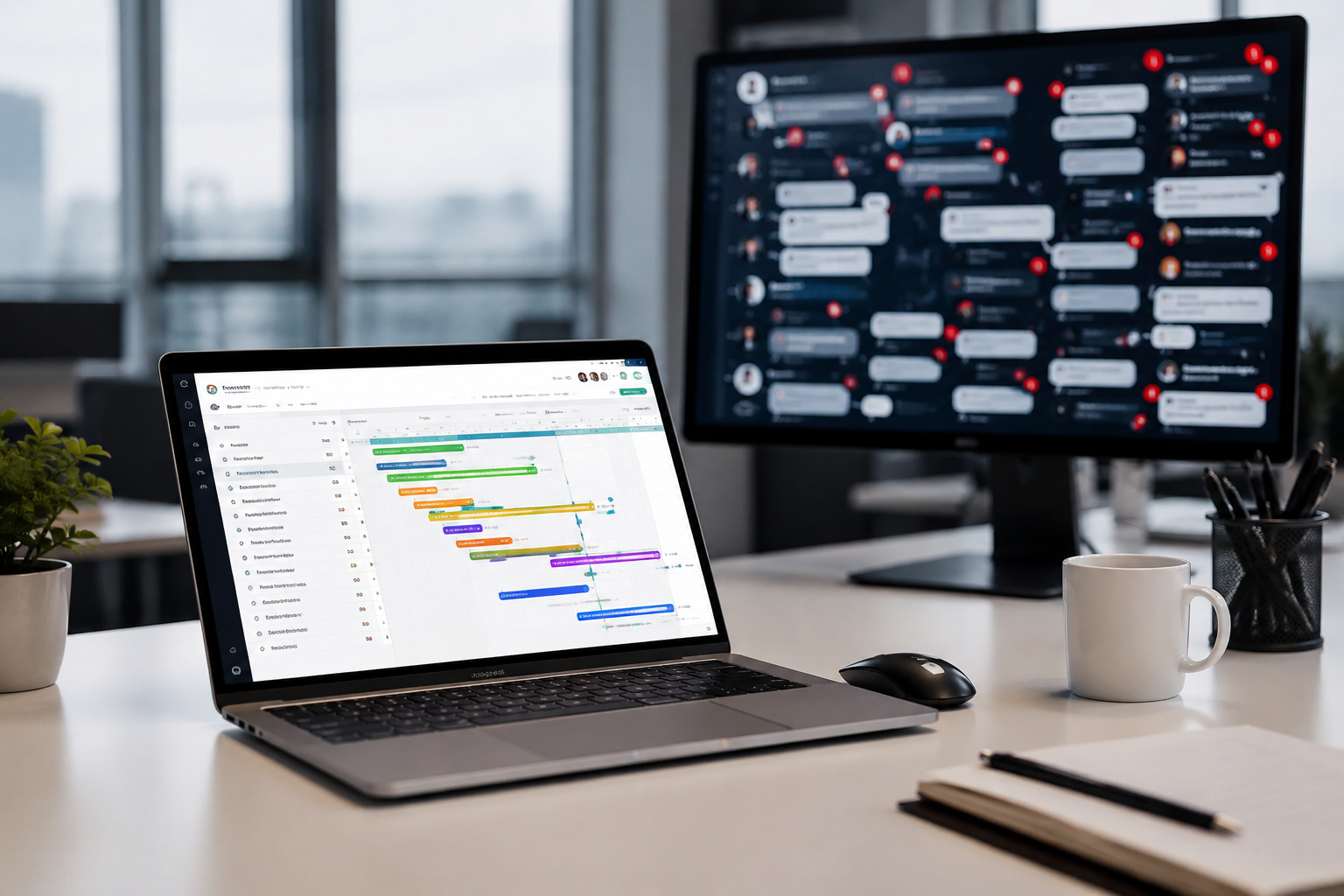
It is 9:02 AM on a Tuesday. You open your laptop, take a sip of lukewarm coffee, and prepare to spend the next hour wading through a digital swamp. You have 47 unread messages across 14 different Slack channels. The head of growth tagged you in a thread about a missing landing page asset. A product designer dropped a Figma link into a public channel without context. Meanwhile, three direct messages are flashing with varying degrees of urgency.
By 11:30 AM, you have typed thousands of words, reacted with dozens of custom emojis, and felt incredibly busy. Yet, absolutely no real work has happened. The actual status of your core quarterly initiatives remains entirely opaque.
This is the Morning Ping Apocalypse, and it is actively killing your team's productivity.
Slack is phenomenal for real-time communication, but it was never designed to hold the structural weight of an entire enterprise workflow. When your chat application becomes your project management tool, execution crumbles. Deadlines slide by unnoticed. Critical feedback gets buried beneath a deluge of animated GIFs. Human beings burn out simply trying to keep up with the noise.
At Saasbonus, we spend our days analyzing how mid-market operations and agency teams choose B2B software. We have watched countless companies hit this exact wall. The symptoms are always identical: a quiet panic sets in among leadership because no one truly knows who is doing what by when.
To fix this, you do not need another chat rule or a stricter notification policy. You need a dedicated, structured repository for your work. Let's look at the top project management contenders—Asana, Monday.com, and ClickUp—to determine which platform can genuinely rescue your team from the Slack chaos.
The True Cost of Managing Projects in a Chat Box
Before analyzing the tools, we need to diagnose the underlying sickness. Why does relying on a chat app for project management feel so natural initially, yet turn so toxic at scale?
The Ephemerality of the Feed
Chat is linear and temporary. A message sent at 9:00 AM is functionally invisible by 3:00 PM, pushed upward by a steady stream of subsequent conversations. Trying to track a project scope document in a chat channel is like trying to build a house on a conveyor belt. If you are not looking at the screen the exact moment a file is dropped, it might as well not exist. This creates a culture of constant anxiety, where team members feel forced to hover over notifications out of fear of missing critical data.
The Illusions of Action
Typing is not doing. We often confuse a rapid-fire exchange of messages with actual project momentum. You can spend two hours discussing a feature request in a dedicated channel, but unless that discussion crystallizes into a defined task with an assigned owner, a clear deadline, and explicit deliverables, it is just digital vapor.
Context Switching Costs
Every time a notification banner pops up in the corner of a screen, focus shatters. Studies consistently show that it takes over 20 minutes to regain deep focus after a minor interruption. If your team spends their entire day jumping between their actual work environment and a chaotic chat feed to check on project statuses, their cognitive capacity is permanently degraded.
The Contenders: Asana vs. Monday.com vs. ClickUp
To move away from this message-driven madness, you need a single source of truth. We evaluated the three heavyweight platforms in the modern project management ecosystem against a single, crucial metric: how effectively can this tool pull execution out of the chat box and into a structured, accountable framework?
1. Asana: The Disciplined Architect

Asana's approach to project management is built entirely around clarity and task relationships. It does not try to be an all-in-one operating system for every single business function. Instead, it focuses heavily on mapping out exactly who is doing what by when.
Structural Clarity
Asana relies on a strict, clean hierarchy: Organizations lead to Teams, which own Projects, which contain Tasks and Subtasks. This explicit structure is the exact opposite of a chaotic chat feed. When you open a project in Asana, the status is immediately apparent. You can view the work as a list, a kanban board, a timeline, or a calendar view, but the underlying data remains identical.
Taming the Chat Monster
Asana reduces chat reliance through its native task commenting system. Instead of discussing a copy change in a sprawling marketing channel, the conversation happens directly inside the specific task representing that copy asset. The history stays attached to the deliverable forever. If a new freelancer joins the project three weeks from now, they do not have to scroll through miles of message archives; they simply read the task history.
Furthermore, Asana's native integration with communication tools allows you to turn a wandering chat message into an actionable task with two clicks. This lets you capture sudden bursts of inspiration or chaotic requests from leadership and immediately ground them into a system of record.
Where It Falls Short
Asana's simplicity can sometimes feel restrictive for complex, data-heavy operations. If your workflow requires deep mathematical calculations within tasks, heavy database relationships, or highly custom UI configurations, Asana can feel a bit too rigid.
2. Monday.com: The Visual Data Powerhouse
Monday.com views the business world through the lens of data visualization and flexible tables. It is highly customizable, behaving like a relational database that went to art school.
Structural Flexibility
Unlike Asana's more rigid framework, Monday allows you to build almost anything you want. You start with a board, and from there, you can add dozens of different column types: status tags, people assignees, timelines, numbers, formulas, files, and dependency links. This makes it incredibly powerful for teams that need to track complex resource allocations, budgets, or highly variable pipelines alongside their standard tasks.
Taming the Chat Monster
Monday battles the notification storm with its powerful automation engine. A huge percentage of chat messages are mundane status updates: 'Is this done yet?' or 'I finished the wireframes, please take a look.' Monday eliminates this chatter entirely. You can set up a simple recipe: When Status changes to Done, move item to Approval Group and notify Creative Director.
By automating the handoffs between teams, you remove the need for hundreds of weekly coordination pings. The system handles the logistics quietly in the background, allowing your team to focus on execution rather than status reporting.
Where It Falls Short
The sheer flexibility of Monday can be a double-edged sword. Without a strict internal governance policy, it is incredibly easy for well-meaning team members to create messy, over-engineered boards that look like colorful control panels but are difficult to navigate.
3. ClickUp: The Feature-Rich Everything App
ClickUp boldly positions itself as the 'one app to replace them all.' It attempts to curb the chat problem by pulling everything—tasks, docs, whiteboards, goals, and even chat itself—into a single ecosystem.
Structural Depth
ClickUp offers a massive, nesting hierarchy: Spaces contain Folders, which contain Lists, which contain Tasks, Subtasks, and Nested Subtasks. On top of that, it includes fully functional docs (similar to Notion) and native digital whiteboards (similar to Miro).
Taming the Chat Monster
ClickUp's approach to the problem is unique: if you cannot beat the chat, own it. It includes a native 'Chat View' that allows you to create conversation feeds directly alongside your task lists. The advantage here is context; you can link tasks directly into the chat stream without leaving the platform.
Additionally, its built-in document editor means your team is not jumping to external links to read project briefs. The strategy documentation sits right next to the execution tasks. For teams drowning in browser tab overload, this consolidation can offer immediate relief.
Where It Falls Short
Because ClickUp tries to do absolutely everything, it suffers from a steep learning curve. The interface can frequently feel cluttered, heavy, and occasionally overwhelming for less tech-savvy team members. It demands significant setup time and dedicated admin oversight to prevent it from becoming just as chaotic as the systems it replaces.

Feature Comparison Matrix
To help you visualize how these platforms stack up when fighting communication clutter, let's look at their core capabilities side by side:
| Evaluation Criteria | Asana | Monday.com | ClickUp |
|---|---|---|---|
| Core Philosophy | Clean task relationships and operational accountability | Highly visual, customizable data boards | Feature-dense, all-in-one work platform |
| Interface Complexity | Low to Medium; highly intuitive for non-technical users | Medium; requires intentional layout design | High; very dense with a steeper learning curve |
| Automation Capabilities | Strong, template-driven workflow rules | Exceptional, highly custom visual builder | Extremely deep, covers tasks, docs, and statuses |
| Document Management | Basic text descriptions and file attachments | Embedded files and basic collaborative docs | Built-in, robust collaborative wiki system |
| Chat Consolidation | Native integration to turn chat into tasks | Eliminates chat via automated status transitions | Built-in chat views to centralize conversations |
The Real-World Diagnosis: How to Make Your Choice
Choosing software isn't about finding the option with the longest feature list. It is about identifying the exact operational bottleneck inside your specific organization. At Saasbonus, we always advise buyers to look closely at their team behavioral patterns before signing an enterprise contract.
Choose Asana if your primary problem is accountability.
If your team is constantly asking 'Who is supposed to be doing this?' or missing hard deadlines because work gets dropped during handoffs, Asana is your antidote. Its clean, uncompromising focus on task ownership brings immediate sanity to fast-moving marketing teams, editorial operations, and standard agency structures.
Choose Monday.com if your primary problem is visibility.
If leadership is constantly pinging project managers for updates, or if you need to track budgets, resource hours, and shifting timelines alongside your basic tasks, Monday is the clear choice. Its visual dashboards give executives instant, high-level clarity without forcing them to drill down into the minutiae of individual tasks.
Choose ClickUp if your primary problem is tool fragmentation.
If your team is currently paying for Asana, Notion, Miro, and Slack, and you are losing sleep over both your software budget and the constant jumping between tabs, ClickUp makes immense sense. If you have the internal operations resources to configure it correctly and train your team thoroughly, it provides an incredibly powerful unified environment.
Three Crucial Steps to Successfully Transition Away from Chat Chaos
Simply purchasing a new subscription will not solve your problem. If you deploy Asana, Monday, or ClickUp without changing your team communication habits, you will end up with two chaotic systems instead of one. You will have a messy chat feed and an abandoned project management tool.
To ensure your new software actually sticks, you must implement a clear framework for how your team interacts with digital tools.
Step 1: Establish Strict Communication Rules
Your organization needs an explicit agreement on what types of communication belong in which channel. Write this down in a central handbook.
- Use your chat application exclusively for real-time logistics ('I am running five minutes late to the meeting'), social bonding, quick clarifications, and urgent fire drills.
- Use your project management software for anything that alters a project timeline, defines a deliverable, requests a formal review, or tracks progress. If someone asks for feedback on a design draft in a chat channel, the correct response is to drop the link to the corresponding project task and say, 'Please post this feedback directly in the task history so we don't lose it.'
Step 2: Ruthlessly Purge Unnecessary Channels
If you have separate chat channels for 'Marketing Strategy', 'Marketing Copy', 'Marketing Design', and 'Marketing Logistics', you are asking for trouble. This hyper-fragmentation forces your team to hunt through multiple feeds just to piece together a coherent picture of a single project.
Archive these hyper-specific channels. Move those operational discussions into the comments of the relevant project tasks inside your new software. Keep your chat channels broad, high-level, and focused on immediate interaction.
Step 3: Run a Weekly System Cleanup
A project management workspace is a living garden; if you do not weed it, it will quickly become overgrown and unusable. When tasks are left past their due dates without updates, or when boards are filled with old, abandoned ideas, your team will lose trust in the tool. Once trust is gone, they will immediately retreat back to the familiar comfort of real-time chat pings.
Appoint an operations champion or project manager to spend 30 minutes every Friday reviewing open tasks. Ensure due dates are accurate, assignees are correct, and completed work is archived. A clean system commands respect and invites active usage.
Moving Forward with Confidence
Breaking a team reliance on real-time chat notification hits is incredibly difficult. It requires breaking deep behavioral habits and moving past the dopamine loop of instant messaging. However, the reward on the other side of this transition is immense: deep focus, lower stress levels, total operational transparency, and projects that finish on schedule.
Take a hard look at your team's current operations today. Count the number of status requests clogging your channels. Decide which architectural style—Asana's clarity, Monday's flexibility, or ClickUp's consolidation—aligns best with how your team naturally processes information.
By moving execution out of the chat stream and into a dedicated project hub, you don't just clear up your screen. You give your team the quiet, structured mental space they need to actually do their best work.




