
Enterprise Passwords and Security Standards: A Practical Guide for the Non-Technical SaaS Buyer
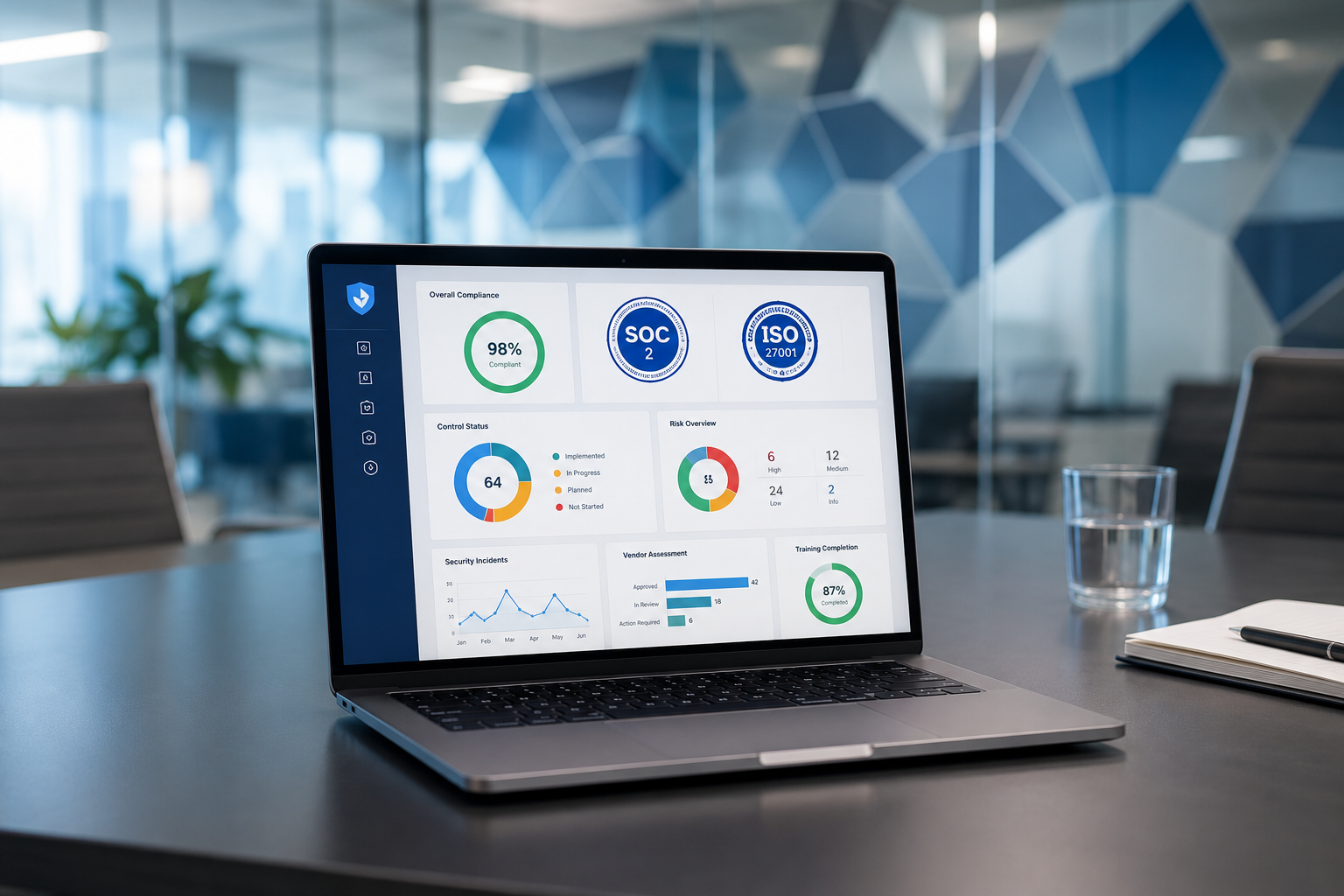
It is Tuesday morning at 10:00 AM, and your Slack sidebar looks like a software catalog. The head of growth wants an enterprise platform to track attribution, your customer success lead is begging for a specialized ticketing tool, and you have finally found a project management suite that promises to stop your team's workflow from actively grinding your gears. You are ready to swipe the corporate card, get the onboarding links, and actually fix your operational bottlenecks.
Then the email lands.
It is from your IT director or Chief Information Security Officer (CISO). Attached is a blank spreadsheet containing 180 rows of technical interrogations regarding cryptographic algorithms, data residency, and identity federation. Until this spreadsheet is completed by the vendor and approved by security, your software procurement process is dead in the water.
If you do not have a background in computer science, looking at an enterprise information security questionnaire feels like reading ancient Aramaic. You just want a tool that builds better dashboards. Your security team, however, wants to make sure this new vendor will not become the entry point for a catastrophic data breach that puts your company on the front page of the Wall Street Journal.
This tension is where great software deployments go to die. At Saasbonus, we spend our days conducting independent, hands-on reviews to help companies pick the right software the first time. We believe that you should not need a cybersecurity degree to buy a piece of business software safely.
This guide is your translation matrix. We will break down complex security concepts, password rules, and compliance standards into practical, everyday English so you can vet vendors with confidence, satisfy your internal security team, and get the tools you need deployed without months of bureaucratic gridlock.
The Real Reason Security Clogs the Procurement Pipeline
Before digging into the technical terms, it helps to understand why your security team seems so deeply suspicious of every tool you want to buy. They are not trying to ruin your productivity. They are managing an explosive corporate risk known as 'Shadow IT'.
Every time a departmental manager bypasses formal review and purchases a software subscription using a corporate credit card, a new door opens into the company's ecosystem. If that software lacks enterprise-grade access controls, a single compromised employee password can give malicious actors access to your proprietary data, customer lists, or financial records.
Modern hackers rarely break through firewalls by writing complex exploit code. Instead, they look for the weakest link in your supply chain—often a niche marketing or analytics tool that handles corporate data but uses outdated security practices. By learning how to spot these vulnerabilities during your initial software evaluation, you protect your company and save weeks of wasted negotiation with vendors who can never pass your internal security audit anyway.
Demystifying Access Controls: Single Sign-On and Multi-Factor Authentication
When your IT department reviews a new platform, their first line of defense is access control. They want to know exactly how users log into the platform and how easily an ex-employee's access can be revoked.
Multi-Factor Authentication (MFA): The Absolute Baseline

If a vendor does not offer Multi-Factor Authentication, stop the conversation immediately. MFA requires users to provide two or more verification factors to gain access to their account. This usually looks like something you know (your password) plus something you have (a temporary code sent to an authenticator app on your phone or a hardware key).
When evaluating a tool, ask the vendor if MFA can be enforced globally across the entire corporate account. It is not enough for individual users to have the option to turn on MFA; your administrators must be able to compel everyone to use it.
Single Sign-On (SSO): The Enterprise Standard
In your security questionnaire, you will see acronyms like SAML 2.0 or OIDC. These are standard protocols for Single Sign-On.
Think of SSO as a centralized digital passport. Instead of requiring your employees to create unique usernames and passwords for thirty different business tools, SSO allows them to log into a central system managed by your IT department (like Okta, Microsoft Azure AD, or Google Workspace). Once authenticated there, they can click a button to log into their specific software accounts without ever typing a separate password.
For a non-technical buyer, SSO provides three massive benefits:
- Instant Offboarding: When an employee leaves your company, your IT manager disables their central account. Instantly, that person loses access to every corporate tool integrated via SSO. No one has to remember to log into individual platforms to delete the former employee's profile.
- Centralized Policy: If your company decides passwords must be changed every 90 days or require a specific length, that rule is enforced at the central login gate. The individual SaaS tool just trusts the central gate.
- Reduced Password Fatigue: Employees do not have to write down passwords on sticky notes or reuse old passwords across multiple platforms.
The SaaS Identity Tax Warning: Be aware that many business software providers treat SSO as a premium enterprise feature. They might charge four to five times the standard per-user price just to unlock SAML integration. When compiling your software budget, always check the pricing page for the 'Enterprise' tier if your company requires SSO.
Decoding the Compliance Matrix: SOC 2, ISO, and Beyond
Your security team will inevitably ask for a vendor's compliance certifications. These certificates act as independent verification that the vendor actually does what they claim to do regarding security.
Instead of reading through hundreds of pages of technical infrastructure documentation, you can look for these standard stamps of approval.
SOC 2 Type II: The Gold Standard in North America
Developed by the American Institute of CPAs, a SOC 2 (System and Organization Controls) report evaluates a service organization's controls related to security, availability, processing integrity, confidentiality, and privacy.
There is a critical distinction you must know: SOC 2 Type I vs. SOC 2 Type II.
- Type I measures the vendor's security design at a single, specific point in time. It is like a snapshot showing that the vendor has a security policy written down.
- Type II measures the operational effectiveness of those security controls over a continuous period, typically six to twelve months. It proves that the vendor actually followed their security policies consistently.
Always ask for a SOC 2 Type II report. If a vendor says they are 'working on it' or only have a Type I, proceed with caution, especially if the tool will store sensitive customer information.
ISO/IEC 27001: The Global Benchmark
If you are buying software from an international vendor or your company operates globally, you will encounter ISO 27001. This is an international standard governing how an organization manages information security. While SOC 2 is highly popular in the United States, ISO 27001 is the standard of choice across Europe and Asia. A vendor holding a valid ISO 27001 certification has built a comprehensive framework to identify, manage, and mitigate security risks.
Industry-Specific Regulated Standards

Depending on your business sector and the type of data you collect, you may need to look for additional compliance certifications:
| Compliance Standard | Target Sector / Data Type | Key Requirement for SaaS Buyers |
|---|---|---|
| HIPAA | Healthcare / Protected Health Information (PHI) | The vendor must sign a Business Associate Agreement (BAA) taking legal responsibility for data protection. |
| PCI-DSS | Finance / Credit Card Processing | Required if the SaaS tool processes, stores, or transmits credit card numbers directly. |
| GDPR | European Union Citizen Data | The tool must allow complete data erasure ('right to be forgotten') and offer a Data Processing Addendum (DPA). |
| CCPA / CPRA | California Resident Data | Requires strict consumer privacy controls and clear disclosures on how data is utilized or shared. |
Data Protection: Encryption in Plain English
Your security questionnaire will ask about data encryption. The vendor's website will likely boast about 'AES 256-bit encryption'. Don't let the math intimidate you. Think of encryption as scrambling a message so that only someone with the correct secret key can unscramble and read it.
Your internal security team will want to verify that data is encrypted in two distinct states:
1. Encryption in Transit
This refers to data moving across the internet. When an employee types a customer's email address into the software platform, that information travels from their laptop to the vendor's cloud servers.
To ensure data is safe in transit, the vendor must use HTTPS protected by up-to-date transport layers (specifically, TLS 1.2 or TLS 1.3). This prevents bad actors from intercepting the data as it flows across public networks, an attack commonly known as a 'man-in-the-middle' exploit.
2. Encryption at Rest
This refers to data sitting static on the vendor's hard drives and databases. If a thief walks into a cloud data center and physically steals a server rack, encryption at rest ensures that the files on those drives look like random, unreadable gibberish without the master decryption keys.
A Pragmatic Security Checklist for SaaS Buyers
You do not need to wait for IT to halt your project. You can run a proactive, preliminary security screening on any software vendor in under fifteen minutes by looking for four elements on their website or asking their sales representative direct questions.
Step 1: Locate the Security Page
Reputable B2B software vendors want to earn your trust. Scroll to the footer of the vendor's website and look for links labeled 'Security', 'Trust Center', or 'Compliance'. A mature enterprise vendor will have a dedicated portal where you can instantly download their clean compliance certificates, view system uptime histories, and read their data processing policies.
Step 2: Ask the Four Essential Questions
If the information is not readily available on their public trust page, email the vendor's account executive these exact lines:
- Can you provide a copy of your most recent SOC 2 Type II report?
- Does your platform support SAML 2.0 Single Sign-On, and is it gated behind an enterprise tier?
- Is data encrypted both in transit (using TLS 1.2 or higher) and at rest?
- Do you have a formalized process for conducting regular third-party penetration tests, and can you share the executive summary?
If the sales rep hesitates, acts confused, or gives vague answers about their hosting provider (e.g., 'We host on AWS, so we are automatically secure'), consider it a major red flag. AWS being secure only means the physical data center is locked down; it does not mean the software application built on top of it is safe.
Bridging the Gap Between Business and Security
At the end of the day, procurement is about balancing risk with commercial reward. A piece of software with pristine military-grade security is completely useless if it features a terrible user interface that causes your team's creative momentum to die. Conversely, the most beautiful, automated project tool is an existential threat to your business if it exposes your core database to public scanning.
By understanding the fundamentals of enterprise passwords, authentication protocols, and compliance standards, you shift from being a passive consumer caught in internal red tape to an active, informed buyer. You can eliminate insecure platforms early in the selection cycle, select tools that align perfectly with modern corporate IT infrastructure, and present your internal security team with a vendor that is already vetted and ready to clear the launchpad.




