
What Is Google NotebookLM? Features, Benefits & 2026 Use Cases
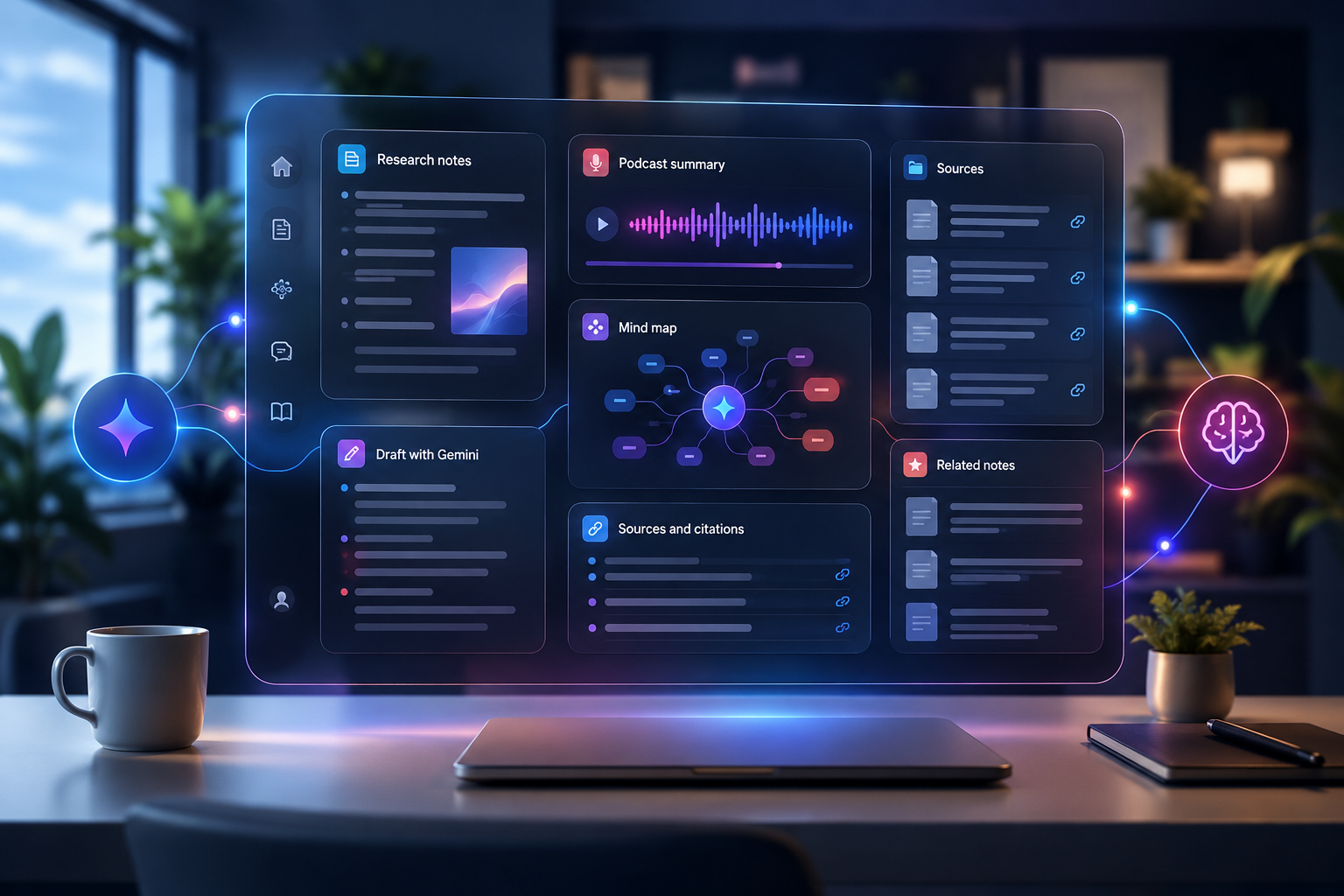
It usually happens on a Tuesday around 2:15 PM. Your browser is choking on twenty-seven open tabs—four dense PDF reports, three Google Docs with fifty unresolved comments, two long YouTube webinar transcripts, and a sprawling spreadsheet your team updated an hour ago. You have forty-five minutes before your leadership sync, and someone just asked you to summarize the key discrepancies across all of them.
Five years ago, your options were grim: skim at lightning speed, pray you didn't miss a critical outlier, or paste random chunks into an open-ended AI prompt and hope the model didn't hallucinate facts out of thin air.
That was before Google NotebookLM—now evolving as part of the broader Gemini Notebook ecosystem—rewrote the rules of document analysis.
At SaaSbonus, we spend our days putting productivity software through rigorous, hands-on tests to help you separate actual workflow breakthroughs from overhyped marketing noise. Among the hundreds of AI tools we have benchmarked over the past few years, Google NotebookLM stands out as one of the few platforms that fundamentally changes how knowledge workers process information.
In this comprehensive guide, we will unpack what Google NotebookLM is in 2026, how its source-grounded architecture works under the hood, its standout features (including the viral Audio Overviews and Deep Research capabilities), key business benefits, and real-world use cases you can implement today.
What Is Google NotebookLM?
Google NotebookLM is an AI-powered personal research assistant and knowledge management hub developed by Google Labs. Unlike general-purpose chatbots like ChatGPT, Claude, or standard Gemini—which draw on vast training data across the open web to answer questions—NotebookLM is designed from the ground up to be source-grounded.
When you upload your materials into a notebook—whether they are PDFs, Google Docs, Google Slides, web links, audio files, EPUBs, or YouTube video links—NotebookLM locks its attention strictly to those documents. It effectively builds a personalized, mini-AI model that knows only what you have given it.
When you ask a question, request a synthesis, or generate a summary, NotebookLM pulls answers directly from your uploaded sources and provides inline, clickable citations that jump directly to the exact passage or quote.
The Shift from Generic Chat to Grounded Intelligence
To understand why this distinction matters so much, think of traditional AI chatbots as hyper-articulate generalists. If you ask a general chatbot to analyze a 100-page proprietary legal contract, it might blend its internal training data with your text, leading to subtle hallucinations or generic legal definitions that do not actually apply to your specific agreement.
NotebookLM operates under a strict "source-first" constraint. If an answer isn't in your uploaded sources, NotebookLM will tell you it cannot find the information rather than making something up. This zero-hallucination guardrail makes it an indispensable tool for researchers, executives, lawyers, students, and product teams who cannot afford factual errors.
Core Architecture: How NotebookLM Works Under the Hood
At its core, NotebookLM combines Google's flagship multimodal models (powered by the Gemini 1.5 Pro and Gemini 2.5 architecture) with advanced Retrieval-Augmented Generation (RAG). Here is a look at the technical foundation that makes it so effective:
1. Massive Multimodal Ingestion
NotebookLM doesn't just read plain text. It natively processes multiple file formats and media types:
- Documents & Spreadsheets: PDFs, Google Docs, Markdown files, Google Slides, text documents, and EPUB books.
- Web Content & Media: Direct web URLs, YouTube video transcripts, pasted text, and uploaded audio recordings (such as meeting logs or interview voice memos).
- Capacity: Depending on your plan tier, a single notebook can hold anywhere from 50 to 600 distinct sources, with each source supporting up to 500,000 words.
2. Million-Token Context Windows
Leveraging Google's Gemini architecture, NotebookLM can analyze massive amounts of data simultaneously. You don't have to break a 400-page textbook or a massive quarterly audit into tiny chunks. You can drop entire document collections into a single notebook, and the AI evaluates cross-document relationships across the full dataset without losing context.
3. Clickable Source Citations
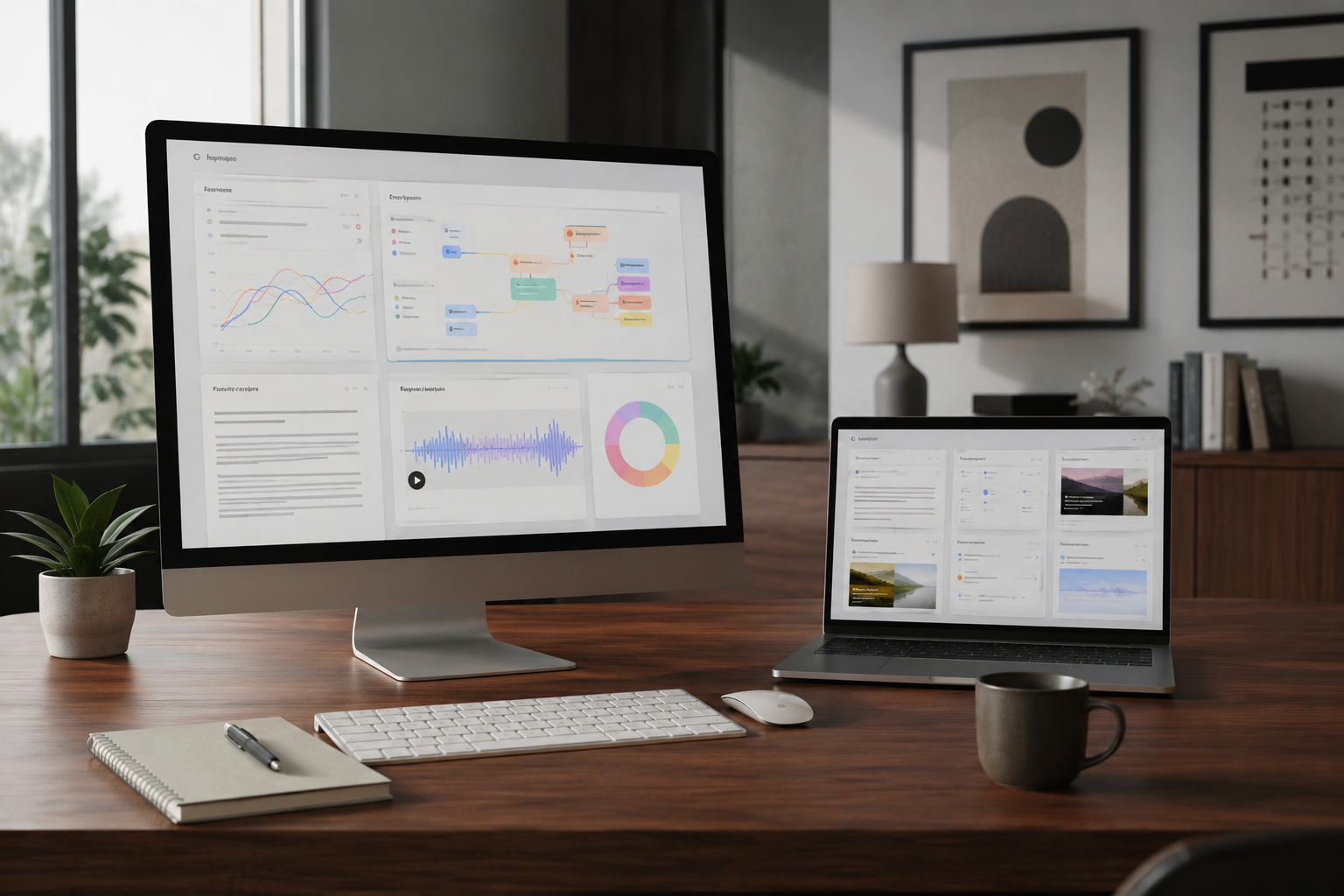
Every single answer generated in the NotebookLM chat interface features numbered citation chips. Clicking a citation opens a side panel that highlights the exact paragraph, sentence, or transcript timestamp in your original file. This eliminates the tedious process of manual fact-checking.
Standout Features of Google NotebookLM in 2026
Google has rapidly transformed NotebookLM from an experimental Google Labs project into a cornerstone productivity engine. Here are the key features that define the platform today:
1. Audio Overviews ("Deep Dive Podcasts")
Without a doubt, Audio Overviews put NotebookLM on the global map. With a single click, NotebookLM transforms dense PDFs, technical guides, or meeting transcripts into a natural, two-person podcast conversation.
Two AI hosts discuss your uploaded materials, banter back and forth, explain complex jargon through relatable analogies, and highlight the core arguments.
Key advancements in Audio Overviews include:
- Steerable Personas & Instructions: You can give the hosts specific directions before generating the audio—such as "Focus on financial risks for a CFO audience" or "Explain this like a high school physics teacher."
- Multilingual Generation: Generate audio breakdowns in over 80 languages, making cross-border research and team sharing effortless.
- Interactive Participation: You can join the conversation mid-stream to ask clarifying questions or redirect the hosts' focus.
2. Deep Research Engine
Introduced to tackle complex, multi-step inquiry, the Deep Research feature acts as an autonomous research agent. When you ask a broad strategic question across your notebook, the Deep Research agent automatically plans a research path, parses through hundreds of source pages, extracts hidden connections, and outputs a fully cited synthesis report alongside structured data tables and mind maps.
3. The Studio Suite: Interactive Artifacts
In the Studio tab, NotebookLM converts passive source documents into active learning and project management assets:
- Automated Flashcards & Quizzes: Perfect for studying, compliance training, or onboarding, complete with progress tracking.
- Visual Mind Maps: Interconnected nodes that map out cause-and-effect relationships across your documents.
- Study Guides & Executive Briefings: Automatically generated FAQs, timeline events, and briefing documents formatted for quick reading.
- Video Overviews & Presentation Slides: Visual video recaps and auto-generated presentation decks tailored for executive meetings.
4. Native Code Execution Sandbox
For data-heavy workflows, NotebookLM includes an integrated cloud environment that allows the AI to write and execute Python code directly inside your notebook. If your sources include raw CSV files, financial statements, or sales figures, NotebookLM doesn't just guess math—it executes code to run accurate calculations, render charts, and output precise statistical breakdowns.
Feature Comparison: Free vs. Paid Tiers in 2026
Google offers flexible access tiers for individual users, researchers, and enterprise teams:
| Feature / Metric | Free Tier | Plus / Pro Tiers | Enterprise / Ultra Tiers |
|---|---|---|---|
| Max Sources per Notebook | 50 sources | 100 to 300 sources | Up to 600 sources |
| Words per Source | 500,000 words | 500,000 words | 500,000+ words |
| Daily Chat Queries | 50 queries/day | 2x - 5x higher limits | Uncapped / High priority |
| Audio & Video Generation | Standard limits | Expanded audio quotas | Priority Video & Audio Studio |
| Code Execution Sandbox | Limited | Standard Access | Full Native Execution |
| Data Privacy | Standard Google Privacy | Workspace Protected | Enterprise Zero-Data Retention |
The Strategic Benefits of NotebookLM for Knowledge Work
At SaaSbonus, we constantly evaluate software based on one key metric: Does it save meaningful hours while improving work quality? Here is where NotebookLM delivers immense value:
1. Drastic Reduction in Information Fatigue
When managing complex projects, switching between fifty browser tabs drains cognitive energy. NotebookLM consolidates disparate data points—spreadsheets, customer feedback, competitor teardowns, and strategy slide decks—into a single conversational dashboard.
2. Accelerated Onboarding & Learning
Instead of spending days reading dry operational manuals or watching hours of recorded Zoom training sessions, new team members can upload company documentation into a notebook. They can ask direct questions, listen to an Audio Overview during their commute, and test their understanding with auto-generated quizzes.
3. Absolute Traceability & Factual Accuracy
In high-stakes industries like legal, compliance, finance, and journalism, unverified claims can be catastrophic. Because every NotebookLM response is anchored to exact source text with clickable citations, verification takes seconds rather than hours.
4. Multimodal Output Flexibility

Different people absorb information in different ways. Some prefer reading bulleted summaries, others need visual mind maps, and many learn best through audio podcasts. NotebookLM caters to all three preferences automatically from the exact same underlying files.
Real-World Use Cases across Industries
How are teams actually using Google NotebookLM to transform their day-to-day operations? Let's break down real-world scenarios across key fields:
Use Case 1: Product Management & Customer Research
Product managers often collect feedback across hundreds of support tickets, sales call recordings, user interview transcripts, and App Store reviews.
- The Workflow: Drop 30 customer interview transcripts and product spec Docs into NotebookLM.
- The Prompt: "What are the top 5 recurring feature requests mentioned by enterprise users, and what negative sentiment themes appear regarding our checkout flow? List specific quotes and citations."
- The Result: NotebookLM generates a structured breakdown categorized by user segment, complete with exact quotes and clickable source links.
Use Case 2: Legal & Compliance Contract Analysis
Legal teams regularly review vendor agreements, non-disclosure agreements (NDAs), and regulatory compliance documentation.
- The Workflow: Upload five vendor contracts alongside the company's master risk policy.
- The Prompt: "Compare the indemnification and termination notice periods across all five contracts against our standard risk policy. Highlight any clause that exceeds a 30-day notice window."
- The Result: A side-by-side comparative table detailing exact clauses and risk levels without searching through 200 pages of legalese.
Use Case 3: Academic & Medical Research Literature Reviews
Grad students, academics, and medical researchers face mountains of peer-reviewed papers published in dense PDF formats.
- The Workflow: Import 40 research PDFs covering a specific topic (e.g., modern cardiovascular therapy trials).
- The Action: Run the Deep Research feature to construct a comprehensive literature review matrix, auto-generate study flashcards, and create an Audio Overview podcast to listen to on the go.
Use Case 4: Marketing & Content Repurposing
Content teams struggle to turn long-form content into multi-channel campaigns efficiently.
- The Workflow: Paste a 60-minute YouTube webinar transcript and upload a 30-page whitepaper.
- The Output: Generate a 10-point executive blog post outline, five engaging LinkedIn posts, an FAQ section for the landing page, and an audio narrative teaser for email newsletters.
Use Case 5: Sales Enablement & Pitch Preparation
Sales executives need to get up to speed quickly on target accounts and competitor offerings before key meetings.
- The Workflow: Upload competitor battlecards, prospect annual reports, and product technical sheets.
- The Action: Instruct NotebookLM: "Generate an executive briefing on this prospect's 2026 strategic priorities and explain how our solution addresses their specific pain points." Listen to the generated Audio Overview while traveling to the client meeting.
Step-by-Step Guide: Getting Started with NotebookLM
Setting up your first notebook takes less than two minutes. Here is how to do it:
- Access the Application: Head to notebooklm.google.com and log in with your Google account.
- Create a New Notebook: Click the "New Notebook" button on your dashboard.
- Add Your Sources: Click "Add Source" and select your files. You can drag and drop PDFs, connect files directly from Google Drive (Docs/Slides), paste web URLs, paste text, or link YouTube videos.
- Review Source Summaries: Once uploaded, NotebookLM automatically generates a brief summary and topic key points for each source file.
- Start Exploring:
- Use the Chat bar at the bottom to ask tailored questions across all uploaded files.
- Open the Studio menu to generate Audio Overviews, mind maps, quizzes, or structured reports.
- Save key responses directly to your saved notes panel for easy export to Google Docs.
Honest SaaSbonus Assessment: Where NotebookLM Still Has Room to Grow
No software tool is flawless. In our testing at SaaSbonus, we identified a few remaining limitations you should keep in mind:
- Notebook Silos: Search currently operates primarily within individual notebooks rather than across your entire account library in entry tiers. Organization across dozens of historical notebooks requires disciplined naming conventions.
- Source Formatting Nuances: Complex tables or heavily stylized graphical PDFs can occasionally suffer formatting glitches during text extraction.
- Audio Generation Quotas: High-volume audio power users on free tiers may run into daily generation limits during intensive research sessions.
Final Verdict: Why Google NotebookLM Belongs in Your AI Stack
Google NotebookLM is not just another wrapper around an LLM—it is a paradigm shift in grounded knowledge work. By combining source-grounded precision, zero-hallucination accuracy, multimodal file ingestion, and innovative outputs like Audio Overviews and Deep Research reports, NotebookLM bridges the gap between raw data chaos and structured insight.
Whether you are a solo researcher, a SaaS executive, or part of a global enterprise team, NotebookLM dramatically shrinks the time between gathering information and making informed decisions.
To see a hands-on walk-through of the interface and its feature set, check out this comprehensive video tutorial:
How To Use NotebookLM in 2026
This tutorial provides a step-by-step visual guide to navigating NotebookLM's interface, configuring source documents, generating audio overviews, and utilizing its studio features effectively.




